

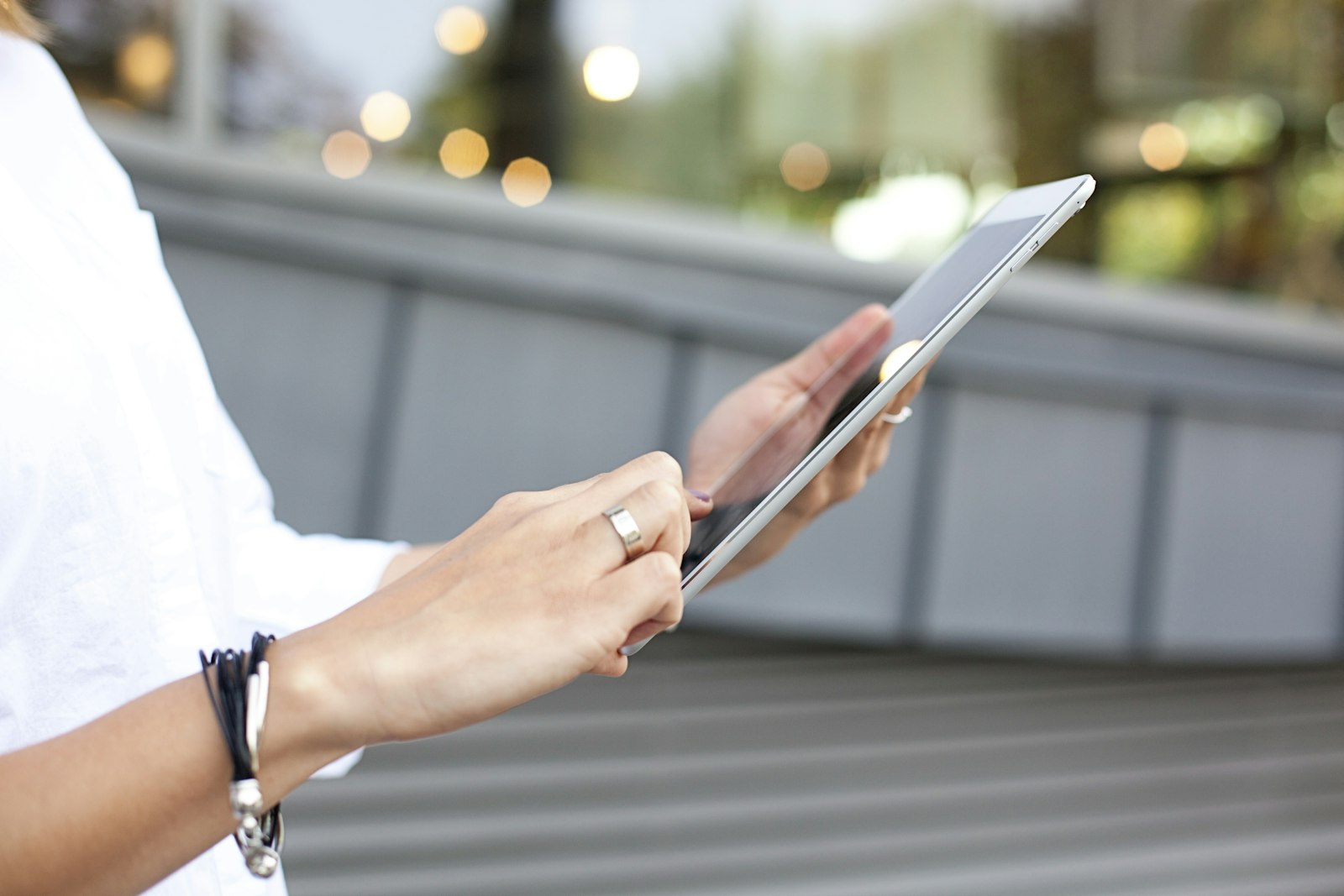
iPad or Android tablet — and once you’ve picked a side, which model actually makes sense? A good tablet buying guide should save you from the two most common mistakes: overpaying for power you’ll never use, or saving fifty dollars on a budget model that turns out to be too slow for anything beyond video playback within a year. Here’s how the current lineup breaks down, what actually separates the tiers, and which specs are worth paying extra for.
Start With What You’ll Use It For
Before comparing specs, it helps to be honest about the job. A tablet for reading, video calls, and browsing on the couch needs almost none of the power a tablet for photo editing, note-taking with a stylus, or replacing a laptop for real work does. Buying for the second use case when you only need the first is the single most common way people overspend on a tablet — the same overspending trap that shows up in our guide to smart wearables, where a fitness-tracking ring costs a fraction of a full smartwatch and does the one job most people actually want.
iPad: Four Models, Four Very Different Price Points
Apple’s current lineup spans a wider price range than it looks like at first glance:
| Model | Starting Price | Chip | Best For |
| iPad (entry-level) | $449 | A16 | Casual use, browsing, streaming, kids |
| iPad mini | $599 | A17 Pro | Portability, reading, one-handed use |
| iPad Air | $749 | M4 | Light creative work, multitasking |
| iPad Pro | $1,199 | M5 | Heavy editing, professional creative work |
Most people shopping for a general-use tablet are better served by the entry-level iPad or the Air than the Pro. The Pro’s extra power mostly matters if you’re doing video editing, heavy multitasking, or professional-grade creative work — for reading, streaming, and browsing, it’s paying for horsepower that never gets used.
Android Tablets: Samsung Leads, But It’s Not the Only Option
On the Android side, Samsung’s Galaxy Tab S11 series is the closest direct rival to the iPad Air and Pro, starting at $699.99 for the 11-inch Tab S11 with a 3nm processor, a 120Hz AMOLED display, and an S Pen included in the box — a genuine advantage over Apple, which sells its Apple Pencil separately on every model. The larger Tab S11 Ultra steps up to a 14.6-inch display and a bigger battery for people who want a near-laptop-sized screen. The main trade-off with Android tablets generally, Samsung included, is app support: many apps are designed and optimized for phones first, so the tablet experience can feel less polished than iPadOS for the same app.
Budget Tablets: What You Give Up
Budget options like Amazon’s Fire Max 11, typically listed around $230 before frequent discounts, look tempting next to a $449 iPad, but the compromises are real: a lower-resolution LCD display instead of the sharper panels on pricier tablets, noticeably less RAM for multitasking, and — in Amazon’s case — a heavily modified version of Android built around Amazon’s own app store rather than Google’s, which means some apps you’d expect simply aren’t available. Budget tablets are genuinely fine for a dedicated e-reader, a kids’ tablet, or a secondary streaming device. They tend to struggle as a primary tablet within a year or two, especially once software updates slow them down.
Specs Worth Paying Attention To
A few specs are worth paying attention to over everything else on the spec sheet. Storage is the big one — 64GB or 128GB sounds like plenty until photos, apps, and offline video eat into it, so it’s worth sizing up if the budget allows. RAM determines how many apps you can realistically keep open at once, which matters more than most buyers expect if you’re the type to switch between a browser, notes, and a video call. A 90Hz or 120Hz display refresh rate makes scrolling and drawing feel noticeably smoother than the older 60Hz standard, though it’s less critical for a tablet used mostly for video. And if a stylus or keyboard matters to you, check whether it’s included or sold separately — Samsung tends to bundle the S Pen, while Apple sells the Pencil and Magic Keyboard as extras that can add well over $100 to the real price. If you’re building out a broader setup around whichever tablet you land on, our roundups of gadgets worth trying and affordable tech gadgets cover accessories and complementary devices worth considering alongside it.
FAQs
Is a cheaper Android tablet a good alternative to an iPad?
For light use like reading, streaming, or as a kids’ device, yes. For anything requiring stronger multitasking, a wider selection of tablet-optimized apps, or long-term software support, the entry-level iPad tends to hold up better over a few years than a similarly priced budget Android tablet.
Do I need a tablet with a stylus?
Only if you plan to take handwritten notes, sketch, or annotate documents regularly. For browsing, video, and typing, a stylus adds cost without adding much value — and on models where it’s sold separately, it’s worth pricing in before comparing totals.
How much storage do I actually need?
128GB is a safer baseline than 64GB for most people, especially if you plan to download shows or games for offline use. If your usage is mostly streaming and browsing with everything stored in the cloud, 64GB can still be enough.
Can a tablet replace my laptop?
For email, browsing, note-taking, and light document editing, a higher-end tablet with a keyboard case can genuinely replace a laptop for many people. For heavier software, extensive file management, or specialized professional apps, most tablets still fall short of a full laptop.
Are older tablet models worth buying at a discount?
Sometimes, but check how many more years of software updates the model has left before buying — a discounted older tablet that stops receiving updates soon isn’t much of a bargain once it can no longer run current apps securely.











Discussion about this post