

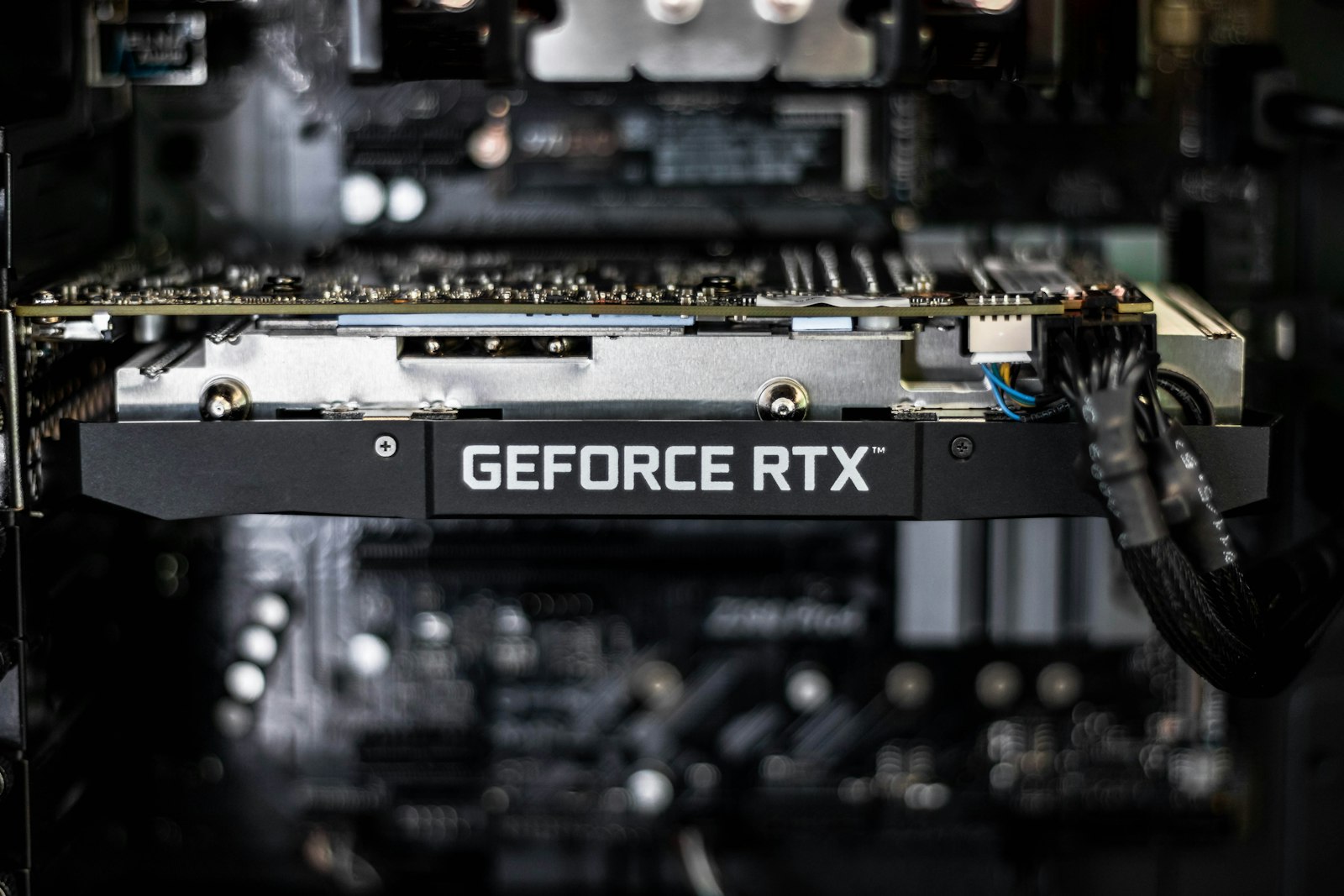
How can a game run noticeably faster on the same graphics card just because you flipped a setting? The trick is that the card renders fewer pixels than your screen shows, then uses software to fill in the rest. Nvidia’s DLSS and AMD’s FSR are the two best-known versions of this idea, and understanding what DLSS and FSR do (and what they cost) helps you pick settings that look good instead of just posting bigger frame-rate numbers.
Upscaling: Drawing Fewer Pixels on Purpose
Rendering a 4K frame means shading roughly four times as many pixels as a 1080p one. Upscaling sidesteps that work. The game draws internally at a lower resolution, such as 1440p, and a reconstruction step produces the final 4K image. Older upscalers just stretched the picture, which looks soft. Modern ones use extra information, including motion data from the game and details from previous frames, to rebuild sharpness.
Nvidia describes DLSS Super Resolution as using AI “to output higher-resolution frames from a lower-resolution input,” according to its DLSS technology page. AMD’s FSR Upscaling “reconstructs crisp, high-quality visuals from low-resolution frames,” per AMD’s FSR page, and its newest version uses a machine-learning-accelerated algorithm to improve on FSR 3.1.
Frame Generation: Adding Frames That Were Never Rendered
Frame generation is a separate feature, and mixing the two up is the most common point of confusion. Upscaling makes each rendered frame cheaper to produce. Frame generation creates additional frames between the ones the game really rendered, which raises the number you see on the frame counter. AMD says FSR 3’s frame generation “inserts 1 frame between existing ones,” while Nvidia says DLSS Frame Generation uses AI to create frames and pairs it with Nvidia Reflex to keep responsiveness in check. Its Multi Frame Generation, listed for RTX 50 Series cards, produces several extra frames per rendered frame.
Here is the catch. A generated frame does not reflect new input from you, because the game never processed it. Smoothness goes up, but responsiveness depends on the underlying real frame rate. That is why the feature works best when the game already runs at a healthy base frame rate, not as a rescue for a slideshow.
Who Supports What
Hardware support differs by vendor and by feature, so check before you rely on a setting. According to Nvidia, DLSS Super Resolution and Ray Reconstruction work on GeForce RTX 20, 30, 40, and 50 Series cards, while Frame Generation is limited to RTX 40 and 50 Series. AMD’s compatibility table is broader on older hardware: FSR 3 upscaling lists Radeon RX 590 and newer, FSR 3 frame generation lists RX 5000 Series and newer, and the newer ML-based “Redstone” suite targets RX 9000 Series for the full feature set, with upscaling-only support on RX 7000. AMD’s FAQ says RX 6000 Series support is “launching in 2027,” so owners of those cards should not count on it yet.
Both technologies also depend on each game’s developers adding support, so a feature listed on the vendor’s page is not guaranteed to be in the title you are playing.
What You Give Up
-
Image artifacts. Reconstruction can produce shimmering on fine detail, ghosting behind moving objects, or smeared text. Newer versions reduce these problems, but they have not disappeared.
-
Latency. Frame generation can add delay compared with the same frame rate achieved by native rendering, which matters most in competitive shooters.
-
Compatibility. Some features are locked to particular graphics cards, and a mix of technologies in one game can be confusing.
How to Use Them Well
Start with upscaling alone and pick a quality preset that keeps the image sharp at your screen size. Turn on frame generation only if you already get a steady frame rate (many players aim for roughly 60fps before enabling it) and the game is not a twitchy competitive title. If you play ray-traced games, upscaling is often what makes the effect affordable, as covered in our explainer on what ray tracing really changes in games. Handheld players benefit as well: weaker chips lean on upscaling heavily, which is worth keeping in mind when you read our handheld gaming PC picks. And if your problem is lag rather than frame rate, the cause may be the network, which we break down in why online games lag.
FAQs
What is the difference between DLSS and FSR?
DLSS is Nvidia’s technology and runs on GeForce RTX cards, while FSR is AMD’s and supports a wider range of hardware. Both render at a lower resolution and rebuild the image, and both now include frame generation options.
Does upscaling reduce image quality?
Slightly, depending on the preset. Quality modes usually look close to native resolution, while performance modes show more softness or artifacts, particularly on fine detail and thin lines.
Does frame generation add input lag?
It can. Generated frames are not driven by your inputs, so responsiveness follows the real frame rate underneath. Nvidia pairs the feature with Reflex to limit the delay, but competitive players often leave it off.
Which graphics cards support these features?
According to Nvidia, DLSS upscaling works on GeForce RTX 20 Series and newer, with Frame Generation on RTX 40 and 50. AMD lists FSR 3 upscaling from Radeon RX 590 and frame generation from RX 5000 Series, with its newest ML-based suite aimed at RX 9000.













Discussion about this post