

You’re a few hours into a newer game, walking through a rain-soaked street, and a puddle at your feet reflects a neon sign perfectly, down to the way it warps as you move past it. Then you load up a game from five or six years ago and the same kind of puddle just shows a flat, baked-in reflection that doesn’t react to anything. That difference has a name: ray tracing, and it’s become one of the most talked-about, least understood features on a modern GPU or console spec sheet.
What Ray Tracing Actually Simulates
Older graphics rendering, called rasterization, is fast because it takes shortcuts: lighting and reflections are largely faked using pre-calculated tricks that look convincing from expected camera angles but fall apart under close inspection. This technique instead simulates how individual rays of light actually bounce around a scene, calculating real reflections, shadows, and refraction based on the actual geometry and light sources present, rather than an artist’s approximation of what light would probably do.
According to Nvidia’s own explanation of the technology, rasterization is “equivalent to casting one set of rays from a single point that stops at the first thing they hit,” while it “takes this further, casting rays from many points in any direction.” That’s the core shift: instead of guessing what a reflective or shadowed surface should look like, the engine calculates it directly from how light would genuinely behave.
Ray Tracing vs. Path Tracing
Path tracing is often used interchangeably with the term, but it’s actually a more complete version of the same idea. Nvidia describes path tracing as tracking light across multiple bounces rather than a single reflection, sampling “all lights in a scene” for both direct lighting and the more subtle global illumination that comes from light bouncing off multiple surfaces before reaching your eye. In practice, most current games use a hybrid approach: rasterizing most of the scene for speed, then applying either technique selectively to reflections, shadows, or ambient lighting where it matters most visually.
Where It Actually Runs Today
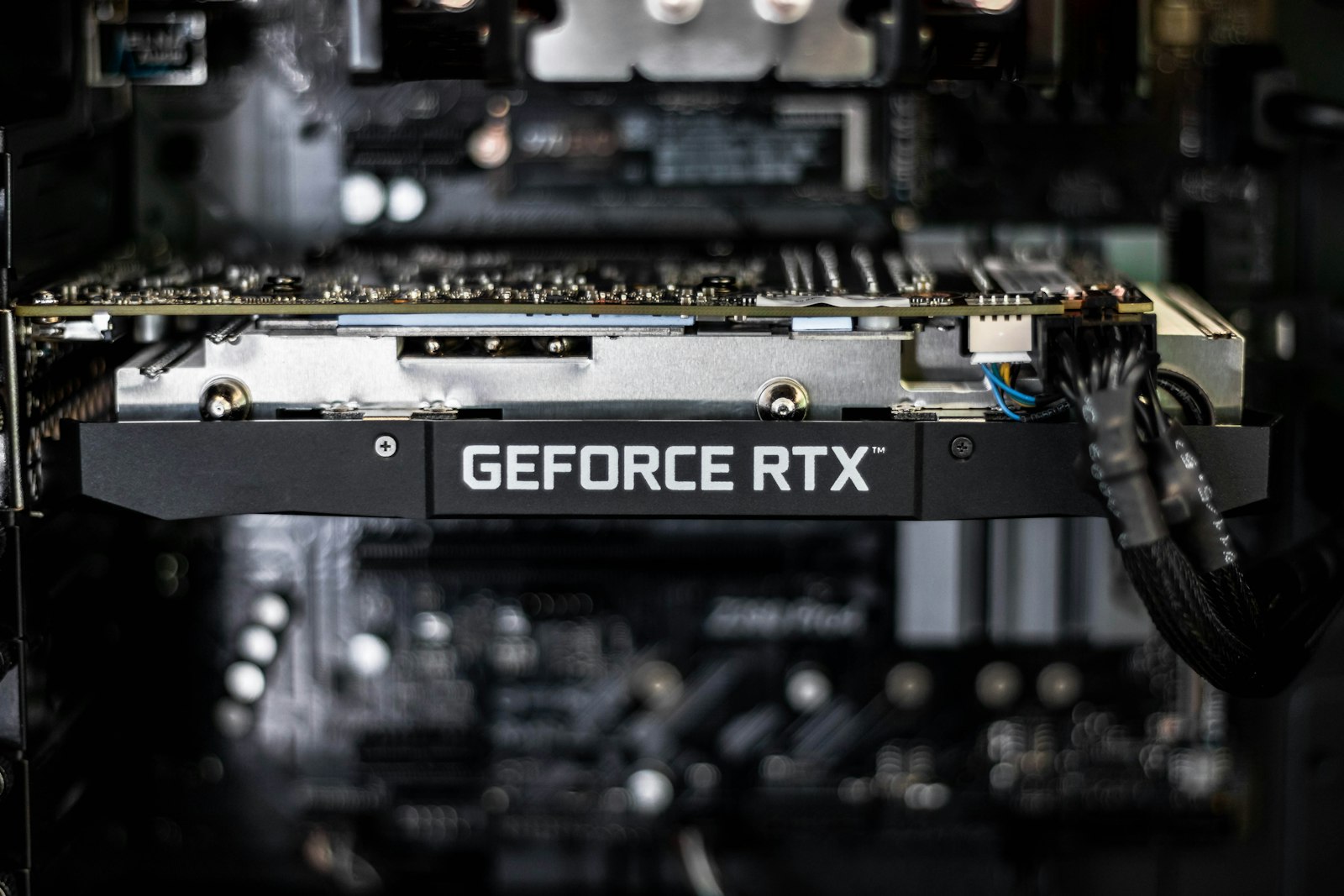
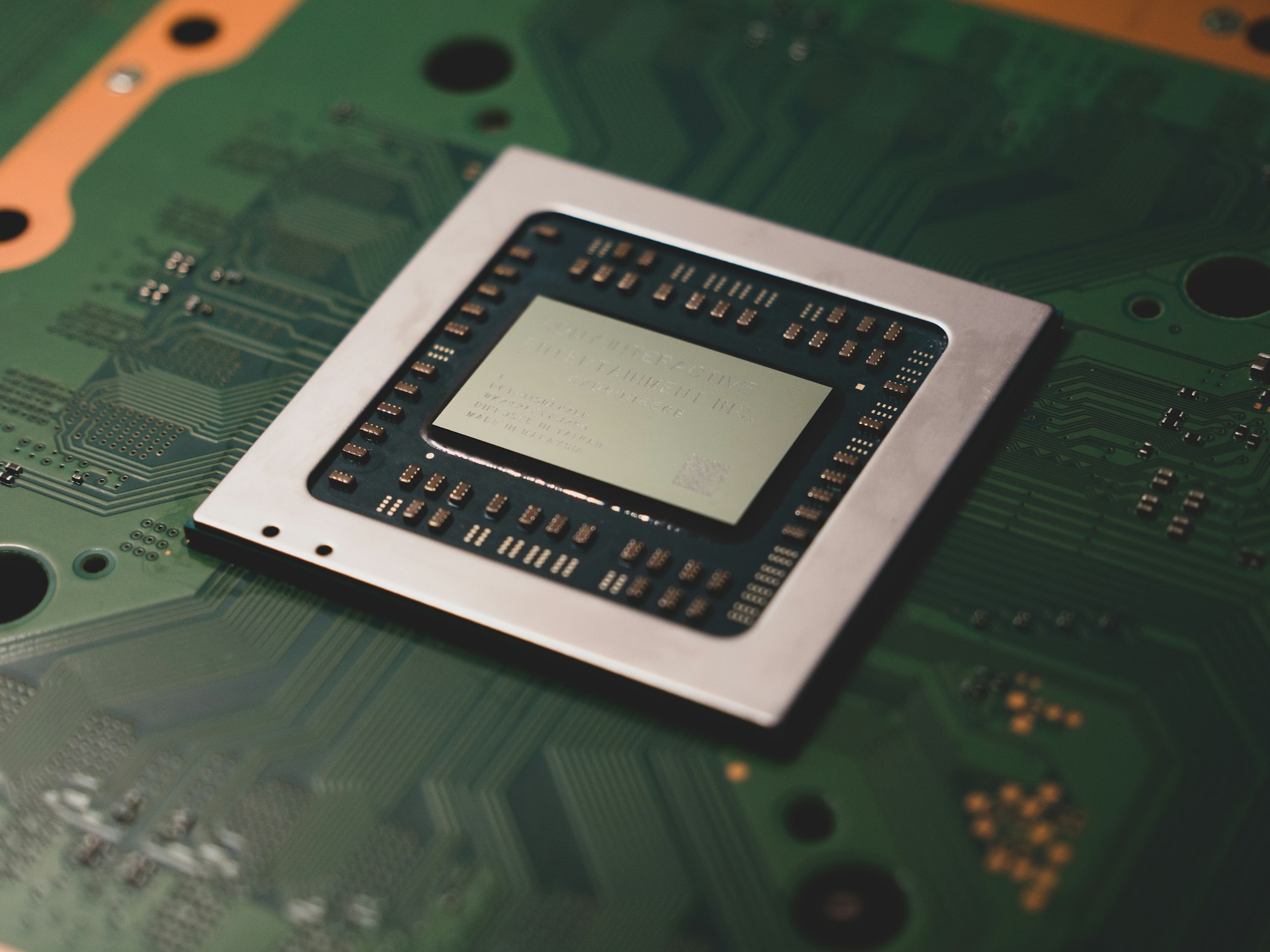
On PC, ray tracing has been standard on Nvidia’s RTX graphics cards for several generations now, with performance scaling heavily by GPU tier. On consoles, the PS5 Pro is the most notable recent example: Sony’s own PlayStation Blog announcement described “even more powerful ray tracing that provides more dynamic reflection and refraction of light,” with ray casting speeds Sony says run “double, and at times triple” the base PS5’s speeds. That upgrade is a big part of what separates the PS5 Pro from the standard PS5 and Digital Edition, alongside its faster memory and higher compute unit count.
Handheld gaming PCs are the current frontier where this kind of rendering still struggles. Even the strongest devices covered in our roundup of handheld gaming PCs generally can’t sustain it at playable frame rates without leaning heavily on upscaling, since the technique is far more demanding than traditional rendering and battery-powered hardware has less thermal headroom to spare.
The Upscaling Trade-off
Ray tracing is computationally expensive enough that almost nobody runs it “raw.” Instead, GPUs and consoles pair it with AI-driven upscaling, Nvidia’s DLSS, AMD’s FSR, and Sony’s PSSR (PlayStation Spectral Super Resolution) on PS5 Pro, which render the game at a lower internal resolution and use machine learning to reconstruct a sharper final image. Sony describes PSSR as adding “an extraordinary amount of detail” back into the image rather than just smoothing it. This trade-off is why the performance numbers advertised for it can be misleading if you don’t also know which upscaling technology and setting produced them; the raw hardware alone usually can’t hit high frame rates with the feature fully enabled.
If you’re weighing whether to lean on cloud hardware instead of buying a GPU built for this outright, it’s worth checking our comparison of cloud gaming services, since some tiers specifically advertise RTX-enabled rendering as part of what you’re paying for.
Is It Actually Worth Turning On?
It depends entirely on the game and your hardware headroom. Ray tracing tends to matter most in games built around reflective surfaces, dynamic lighting, or moody, shadow-heavy environments, think glass, water, or neon-lit city streets, and matters far less in games with flat outdoor lighting or a stylized, non-realistic art style where the extra lighting accuracy isn’t the point. If turning it on drops your frame rate below what feels smooth for the type of game you’re playing, most players are better served by prioritizing frame rate and using upscaling to recover some visual fidelity, rather than chasing every lighting effect at the cost of responsiveness.
FAQs
Do I need an RTX graphics card to use ray tracing?
This capability isn’t exclusive to Nvidia; AMD’s newer graphics cards and both PS5 Pro and Xbox Series X support it to varying degrees. Nvidia’s RTX branding is simply the most heavily marketed implementation, not the only one that exists.
What’s the real difference between ray tracing and path tracing?
The former typically applies the technique selectively, to reflections or shadows, while leaving most of a scene rasterized for speed. Path tracing goes further, simulating light bouncing across many surfaces for more complete, realistic lighting throughout, at a much higher computational cost.
Does ray tracing always make a game’s graphics look better?
Not universally. It makes the biggest visible difference in games with reflective, wet, or dynamically lit environments. In games with simpler or more stylized art styles, the improvement can be subtle enough that the frame rate cost isn’t worth it.
Why does turning it on hurt my frame rate so much?
Simulating how light actually bounces around a scene requires far more calculation per frame than the shortcuts rasterization uses. That’s why the feature is almost always paired with upscaling technology like DLSS, FSR, or PSSR to claw back performance.
Is the PS5 Pro’s ray tracing actually better than the base PS5’s?
Yes, according to Sony’s own specifications, which describe faster ray casting speeds and more dynamic reflections and refraction compared to the standard PS5, backed by a more powerful GPU and faster memory.











Discussion about this post