

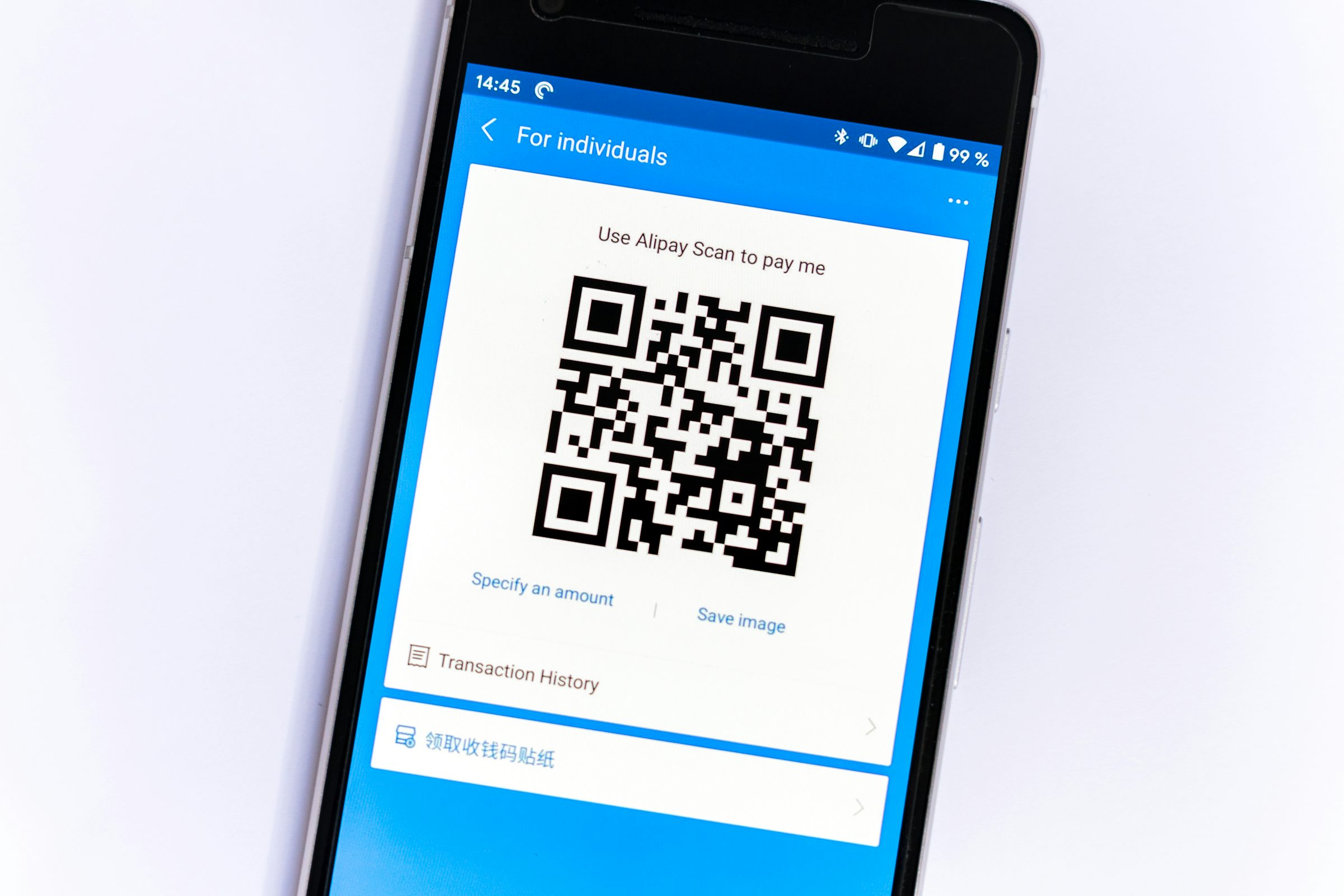
You pull into a parking garage, walk up to the meter, and see the familiar square QR code taped to the post. You scan it, enter your card details on the page that loads, and drive off thinking you paid. In a growing number of cases, you just handed your card number to a stranger instead, because the real code was covered by a sticker someone else placed there. QR code scams work precisely because the code itself gives you no way to see where it actually leads until you’ve already tapped the link.
What “Quishing” Actually Is
Quishing is phishing delivered through a QR code instead of a link in an email or text. The goal is identical to any other phishing attempt, covered in more depth in our guide to spotting a phishing scam: trick you into handing over a password, a card number, or access to your device. What makes a QR code a more effective delivery method is that a human eye cannot read one directly. You have no way to judge whether a code is legitimate just by looking at it, unlike a misspelled link in a suspicious email, so the scam succeeds or fails entirely on what happens after you scan.
How QR Code Scams Play Out
The FBI’s Internet Crime Complaint Center, in a public service announcement on QR code fraud, describes criminals tampering with both digital and physical QR codes, replacing a legitimate code with one they control. The announcement lays out a few distinct versions of this QR code scam: a fake code that leads to a site built to harvest login and financial information, a code that silently installs malware giving the attacker access to the device itself, and a swapped payment code at a business that redirects a customer’s payment straight to the criminal instead of the merchant.
The Federal Trade Commission’s most recent alert on QR code scams, published in September 2026, focuses on a specific and very current version of the same trick: a scammer’s sticker placed directly over the legitimate QR code on a parking meter, so that scanning what looks like the normal payment code sends a driver to a fake payment page instead.
The Warning Signs Worth Checking
The FTC’s guidance centers on one habit that catches most QR code scam attempts: look at the link before you tap anything further. Most phone cameras and QR scanner apps show a preview of the destination URL before opening it, and the agency’s advice is explicit about checking that preview for “spelling mistakes or switched letters” that would reveal a fake domain impersonating a real one. The FBI’s announcement adds a few more checks specific to physical codes: look for a sticker or label that seems placed over an original code rather than printed as part of it, and treat requests to pay by scanning a QR code sent through an unsolicited “payment failed” email as suspicious by default, verifying through a phone number you already know rather than one in that message.
Both agencies also flag a subtler risk: downloading a dedicated third-party QR scanner app rather than using the scanner already built into your phone’s camera. A scanner app from an unknown developer is itself a plausible way to end up with malware on your device, on top of whatever the scanned code might lead to.
If You Already Scanned a Bad Code
Acting quickly limits the damage from a QR code scam in both directions, financial and personal. The FTC’s advice is to avoid interacting further with whatever page or message followed, since reaching out through it tends to lead to more requests for money or information rather than a resolution. If you entered a password anywhere after scanning, change it immediately, and do the same anywhere you reused that password, which a password manager makes far less painful since it can generate and store a fresh one in seconds. Turning on two-factor authentication on the affected account afterward adds a second barrier in case the password alone already leaked. Both agencies also recommend checking recent bank and card statements for charges you don’t recognize and reporting the incident, which for U.S. consumers means filing at ReportFraud.ftc.gov or through the FBI’s IC3 site.
Staying Protected Going Forward
None of the available defenses against QR code scams require avoiding QR codes altogether, which would be impractical given how common they’ve become at restaurants, parking lots, and event check-ins. The habit that actually matters is treating a QR code the same way you’d treat an unexpected link: pause long enough to look at where it actually points before entering anything on the page it opens. Keeping your phone’s operating system and apps updated, which the FTC also recommends, closes off some of the ways a malicious link can escalate into a deeper compromise of the device itself.
FAQs
What does “quishing” mean?
Quishing is the common name for QR code scams: phishing carried out through a QR code rather than a traditional link in an email or text message. The deception and the goal are the same as any phishing attempt; only the delivery method differs.
How can I tell if a QR code has been tampered with?
On a physical sign or meter, check whether the code looks like a sticker placed over the original rather than part of the printed surface. On any code, check the link preview your phone shows before opening it, and watch for a domain with misspellings or substituted characters.
Is it safe to scan QR codes at restaurants or events?
Generally yes, since those codes are usually printed by the business itself and lead to a menu or check-in page rather than a payment form. The added caution matters most for codes asking you to enter payment or login details, which is where most QR code scams concentrate, especially in public spaces like parking areas where anyone could place a sticker.
What should I do immediately after scanning a suspicious QR code?
Avoid entering any information on the page it opened, and if you already did, change that password right away along with any other account where you reused it. Check your bank and card statements for unfamiliar charges and report the incident to the FTC or FBI.
Do I need a special app to scan QR codes safely?
No. Both the FBI and FTC recommend using your phone’s built-in camera scanner rather than downloading a separate third-party scanner app, since an app from an unknown developer introduces its own risk on top of whatever the QR code scam itself might lead to.






Discussion about this post