

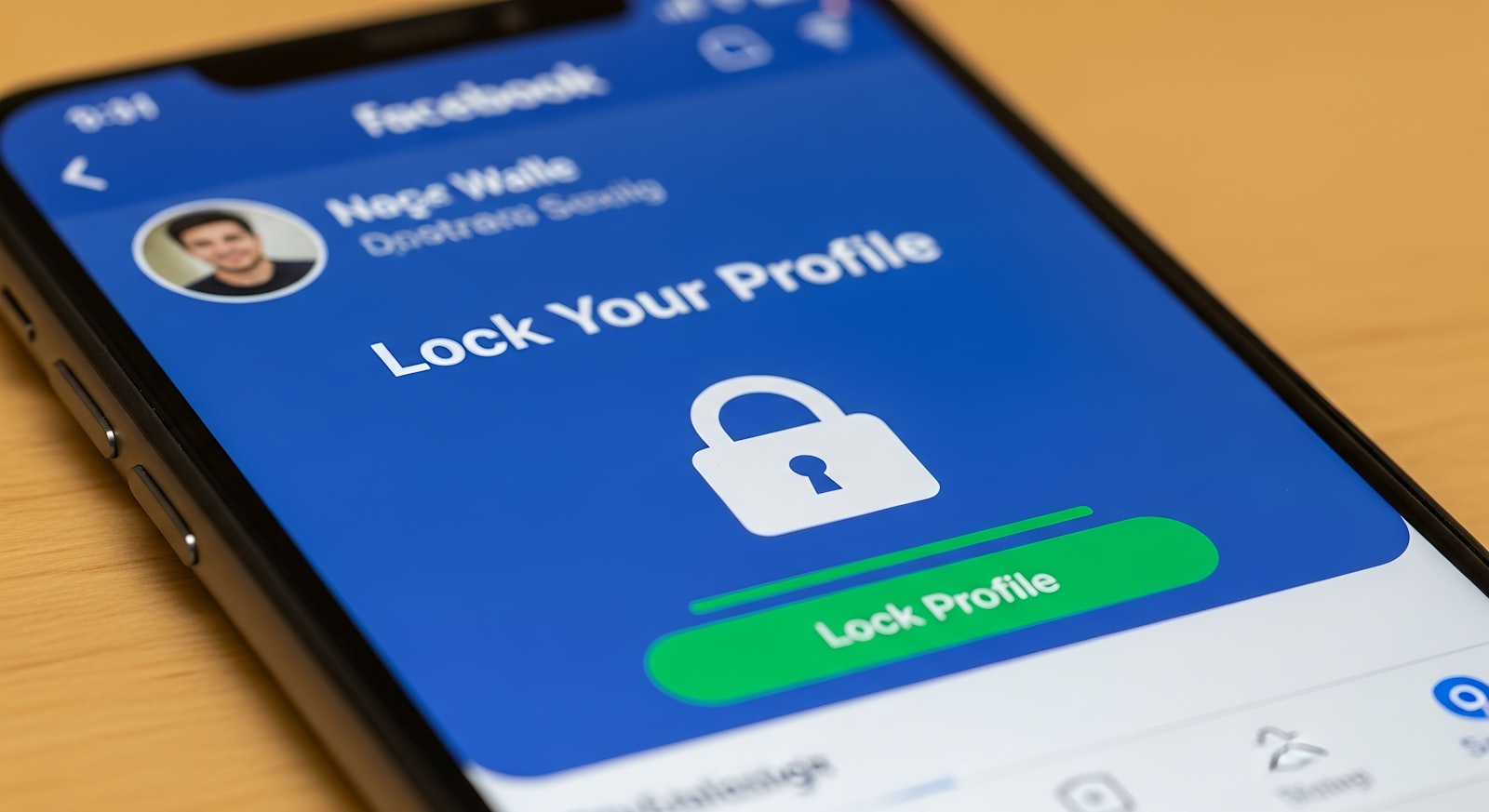
A friend texts you at midnight: her email just got taken over, and whoever did it is now resetting the passwords on everything else tied to that inbox. She’d used the same password there for years. It’s an infuriatingly common story, and it’s also almost entirely preventable with one setting most people have heard of but never actually turned on: two-factor authentication.
What Two-Factor Authentication Actually Adds
Two-factor authentication, usually shortened to 2FA, requires a second piece of proof beyond your password before letting you into an account — something you have (a phone, an authenticator app, a hardware key) in addition to something you know (the password itself). The Cybersecurity and Infrastructure Security Agency (CISA) puts it plainly: users who enable multi-factor authentication are significantly less likely to get hacked, because even if a password leaks in a data breach, an attacker still can’t get in without that second factor.
The catch, which CISA is explicit about, is that not all 2FA methods offer the same protection. Some are considerably easier for an attacker to defeat than others, which matters more than most people assume when they’re choosing which option to enable.
The Three Main Types, Ranked
SMS text codes are the most familiar form of 2FA and better than nothing, but they’re also the weakest widely used option. The National Institute of Standards and Technology now formally classifies SMS one-time codes as a “restricted authenticator” in its official digital identity guidelines, largely because of SIM-swapping attacks, where a scammer convinces a carrier to transfer your phone number to a device they control, letting them intercept your codes directly.
Authenticator apps — Google Authenticator, Microsoft Authenticator, Authy, and similar tools — generate a new code every 30 seconds directly on your device, with nothing transmitted over a carrier network for an attacker to intercept. This closes the SIM-swap gap entirely and is a meaningful upgrade over SMS for the same basic amount of setup effort.
Hardware security keys and passkeys sit at the top of CISA’s hierarchy as “phishing resistant by design,” since they’re cryptographically bound to the real website and simply won’t work on a convincing fake one. This is the same underlying technology covered in our guide to how passkeys work — worth reading if you want to understand why security teams increasingly treat this tier differently from the other two.
Why SMS Isn’t as Safe as It Feels
SMS 2FA feels secure because a text message feels personal and hard to intercept, but the weak point usually isn’t the message itself — it’s the process carriers use to move a phone number between devices. A successful SIM swap can silently redirect every future code to the attacker’s phone while your own phone quietly loses signal, sometimes for hours before anyone notices something’s wrong. It’s still meaningfully better than having no second factor at all, so it’s not worth avoiding entirely if it’s the only option a service offers, but it shouldn’t be the first choice when an authenticator app is available on the same account.
Setting Up an Authenticator App
Most services follow the same basic flow: open the account’s security settings, choose “authenticator app” as your 2FA method, and scan the QR code it displays using an authenticator app installed on your phone. The app then generates matching codes independently, with no need for an internet connection once it’s set up. The one step people skip and later regret is saving the backup codes most services provide during setup — write them down or store them somewhere other than the phone the authenticator app is on, since losing that phone without backup codes can lock you out of your own account.
2FA Doesn’t Replace Basic Vigilance
Even strong 2FA doesn’t make an account immune to every attack. Some phishing techniques specifically try to trick you into approving a push notification or reading a code out loud to a fake support agent, which defeats authenticator-app 2FA just as easily as SMS. Pairing 2FA with the habits covered in our guide to spotting a phishing scam closes that remaining gap, and running reputable antivirus software helps catch the malware that sometimes gets installed specifically to steal 2FA codes or session tokens directly off a compromised device.
FAQs
Is SMS 2FA better than no 2FA at all?
Yes, clearly. Even though SMS is the weakest widely available option, it still blocks the huge majority of automated password-stuffing and credential-leak attacks, where an attacker only has a stolen password and no way to intercept your phone’s messages.
What happens if I lose the phone with my authenticator app on it?
This is exactly what backup codes are for. Most services let you enter a saved backup code to regain access and then set up 2FA again on a new device. Without backup codes saved somewhere safe, account recovery can be slow and, in some cases, may require identity verification with the service directly.
Can I use one authenticator app for all my accounts?
Yes, a single authenticator app can hold codes for dozens of unrelated accounts at once, since each service’s code is generated independently using a unique key exchanged during setup. There’s no need for a separate app per service.
Do passkeys mean I don’t need 2FA anymore?
A passkey is generally considered even stronger than password-plus-2FA, since it removes the password entirely and is resistant to phishing by design. For accounts that support passkeys, switching to one is a reasonable next step; for the many accounts that don’t yet, an authenticator app remains the best broadly available option.
Why do some services push me toward SMS instead of an authenticator app?
Usually simplicity and support cost — SMS requires no app download and works on any phone, which lowers the number of confused support tickets a company has to handle. It’s a legitimate business reason, but it doesn’t make SMS the more secure choice when a given account offers both options.











Discussion about this post