

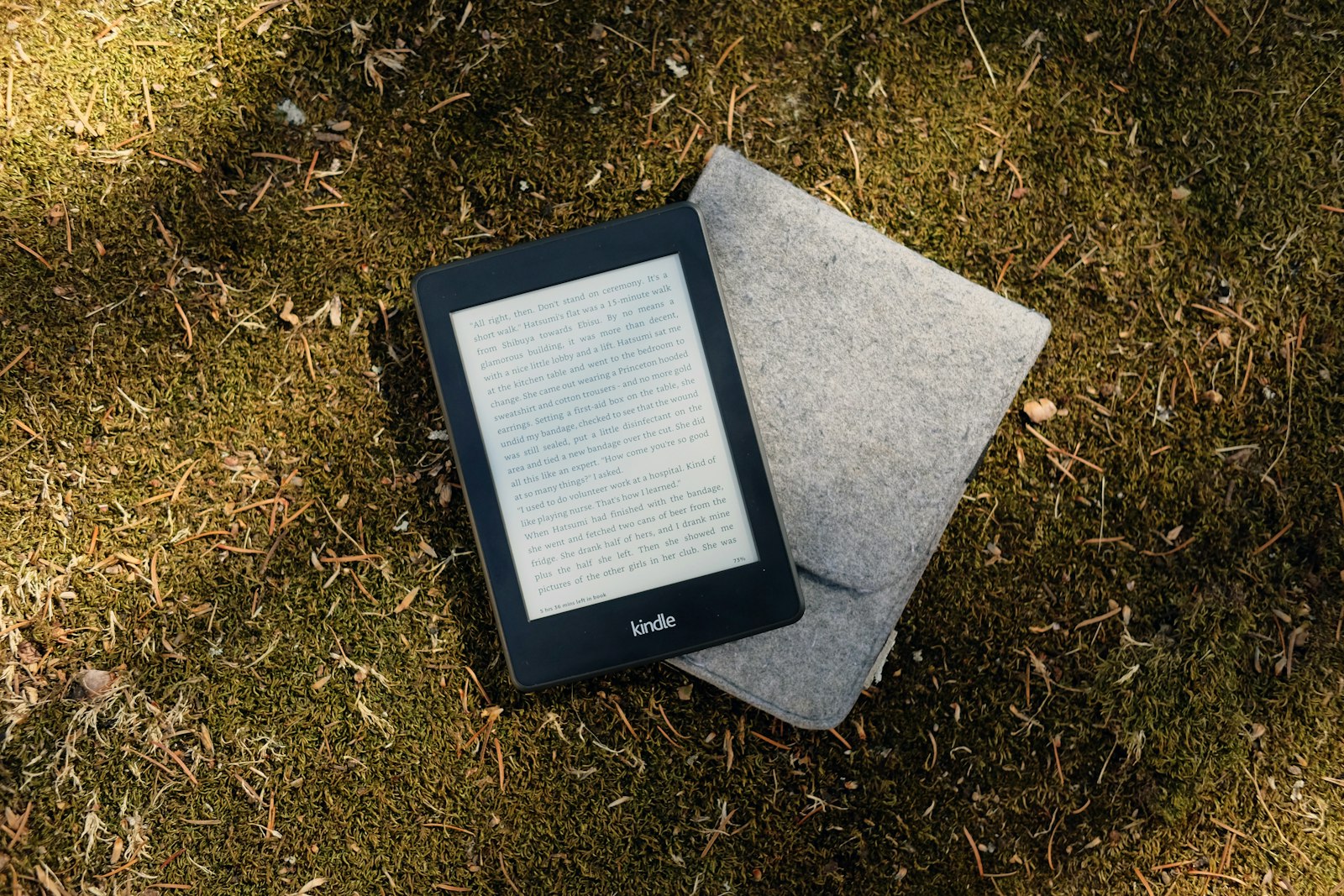
A charged e-reader can sit in a bag untouched for six to eight weeks and still turn on with battery to spare — several times longer than even the best phone lasts between charges. That kind of endurance is possible because of one deliberate tradeoff: e-readers do a single thing well instead of everything adequately, trading a bright, colorful, do-everything screen for a display built purely around reading for hours without your eyes, or your battery, giving up. Here’s how the current lineups from Amazon and Kobo compare, and which one fits which kind of reader.
Why a Dedicated E-Reader Still Beats a Tablet for Reading
The core difference comes down to the display technology. E-readers use E Ink screens, which only draw power when the page changes, rather than refreshing dozens of times a second like an LCD or OLED panel. That’s why e-readers routinely advertise battery life measured in weeks rather than hours, and why the screen reads more like paper than a backlit display, with far less eye strain during long sessions. If you’re weighing a reader against a general-purpose device, our tablet buying guide covers the tradeoffs from the other direction — where a tablet’s versatility outweighs a dedicated reader’s battery life and glare-free screen.
Amazon’s Kindle Lineup
Amazon’s current Kindle range spans four tiers. The base Kindle starts at roughly $109.99 with a 6-inch glare-free display and 16GB of storage — enough for most people’s entire reading library, since text-only ebooks take up very little space. The Kindle Paperwhite steps up to a 7-inch display, adjustable warm lighting, and full waterproofing, and is generally considered the best value in the lineup for most readers. At the top end, the Kindle Colorsoft introduced Amazon’s first color E Ink display, useful for comics, magazines, and children’s books, launching at $279.99 according to reporting from NBC News. The Kindle Scribe line adds a larger 11-inch display and a bundled stylus for note-taking and annotation, aimed less at pure reading and more at replacing a physical notebook alongside your books. Kindle pricing shifts fairly often with sales and bundle offers, so treat these as a starting-price baseline rather than a fixed number.
Kobo’s Lineup: The Main Alternative
Rakuten’s Kobo readers are the most established non-Amazon option, and the appeal for a lot of readers is format flexibility: Kobo devices support the open ePub format natively and integrate with library-lending apps like OverDrive and Libby, where Kindle historically has more restrictions. Per Kobo’s own current lineup, the entry-level Kobo Clara BW runs $159.99 with a 6-inch black-and-white display and 16GB of storage. The Kobo Clara Colour adds a 6-inch color E Ink panel for $179.99, and the Kobo Libra Colour steps up to a larger 7-inch color display, 32GB of storage, and stylus support for $259.99. All three are waterproof with adjustable, blue-light-reducing front lighting.
Color E Ink: Worth the Premium?
Color E Ink is still a newer technology than black-and-white E Ink, and it shows in a few ways worth knowing before paying extra for it. Colors tend to look somewhat muted compared to a phone or tablet screen, and page-turn refresh can be slightly slower on color models. For pure novel-reading, a black-and-white display is arguably still the better experience and the better value. Color earns its premium specifically for comics, graphic novels, magazines, and children’s books, where illustrations are the point rather than an occasional bonus.
What Matters Most When Choosing
Screen size is more of a personal-preference call than a strict upgrade path — 6-inch models are easier to hold one-handed, while 7-inch-and-up models show more text per page and suit stylus note-taking better. Storage matters less than it sounds like it should for most readers, since text-based ebooks are small; storage becomes relevant mainly if you plan to load a large audiobook library or use the device heavily for PDFs and comics. Waterproofing is worth prioritizing if you read anywhere near a bath, pool, or beach, since it’s now standard across most mid-range and premium models from both brands rather than a rare premium feature. If you’re building out a broader gadget setup, our roundups of gadgets worth trying and affordable tech gadgets cover accessories and complementary devices worth considering alongside a new reader.
FAQs
Is a Kindle or a Kobo better for most people?
For readers already invested in Amazon’s ecosystem or who primarily buy from the Kindle Store, a Kindle is the more seamless choice. For readers who borrow from public libraries frequently or want more flexibility with ebook formats bought outside Amazon, Kobo’s native ePub support and library-app integration tend to make it the smoother experience.
Do I need a color e-reader?
Only if comics, graphic novels, magazines, or heavily illustrated books make up a meaningful part of what you read. For text-only novels and nonfiction, a black-and-white model is cheaper, has a faster page-refresh rate, and doesn’t sacrifice anything most readers care about.
How long does an e-reader battery really last?
With front-lighting on at a moderate brightness and typical daily reading, most current Kindle and Kobo models last several weeks between charges, thanks to E Ink’s low power draw when the page isn’t changing. Heavy stylus use or audiobook playback will shorten that considerably.
Can I read library books on any e-reader?
Kobo devices support library lending natively through Libby and OverDrive integration. Kindle devices support library lending as well, but the process has historically run through Amazon’s own systems rather than a direct library-app integration, so it’s worth checking your specific library’s supported formats before assuming either device works identically.
Is it worth paying extra for a stylus-enabled model like the Kindle Scribe?
Only if you genuinely plan to use it for note-taking or annotation regularly. If your interest is purely reading books, the extra cost of a stylus-enabled model doesn’t buy you a better reading experience — it buys a different feature set aimed at a different use case.












Discussion about this post