

By some estimates, the average person now juggles somewhere around a hundred online accounts, and a stubborn number of people still reuse the same handful of passwords across most of them. That habit is exactly what makes password breaches so damaging: one leaked login on a throwaway site can end up unlocking someone’s email, banking, or work accounts too. Passkeys exist to remove that weak link entirely, not by making passwords stronger, but by getting rid of the password altogether.
What a Passkey Actually Is
A passkey isn’t a password you type or memorize. According to the FIDO Alliance, the industry group behind the standard, a passkey is a cryptographic credential tied to your account, built on public key cryptography instead of a shared secret. In plain terms: your device generates a matching pair of keys, one public and one private. The website keeps the public key, your device keeps the private key, and the private key never leaves your device, not even when you sign in.
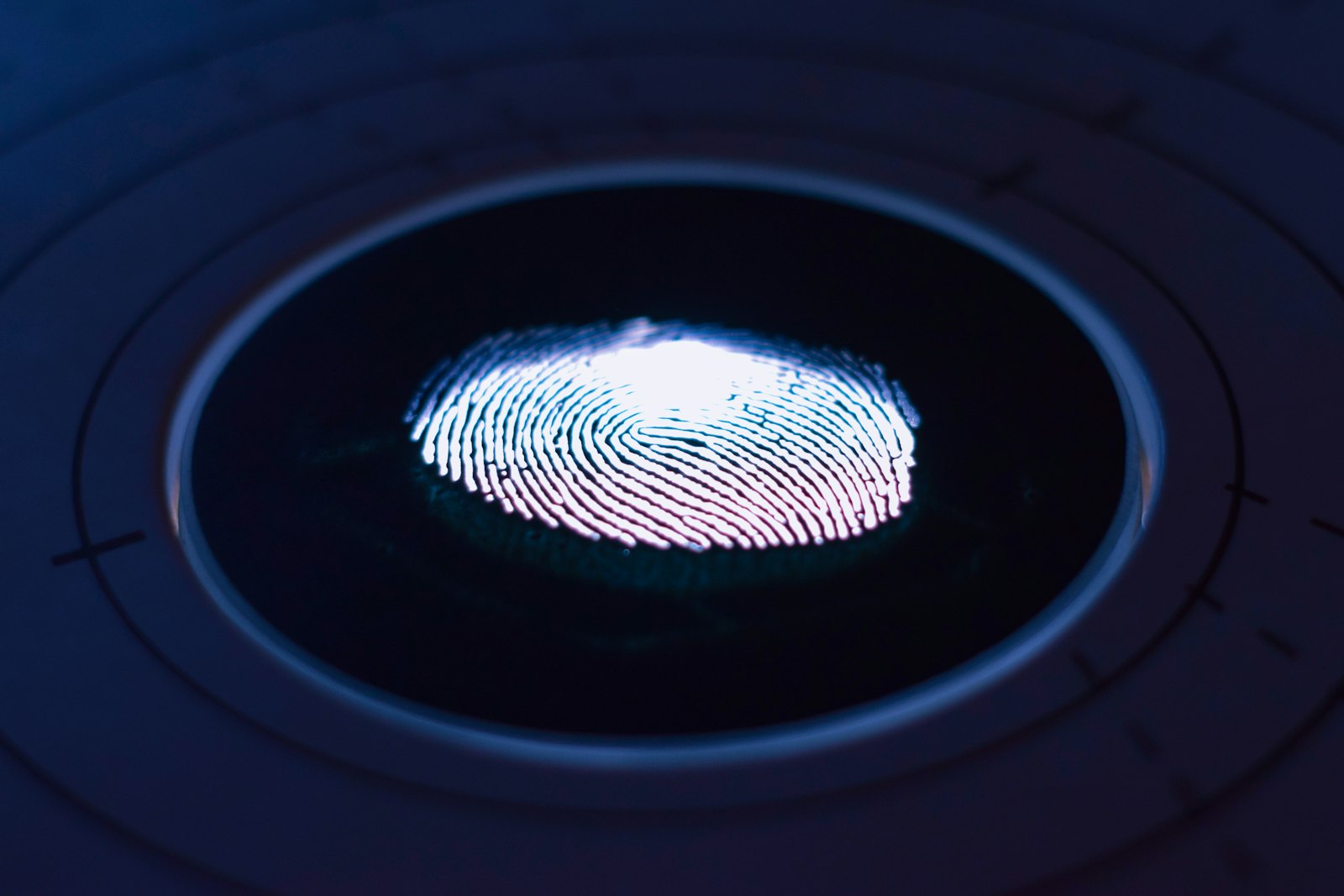
To use it, you don’t type anything. You unlock your device the way you already do, with a fingerprint, face scan, PIN, or pattern, and that unlock is what authorizes the sign-in. The website never sees your fingerprint or your PIN. It just gets cryptographic proof that the person unlocking the device is the same person who set up the passkey.
Why This Is Harder to Phish Than a Password
Traditional phishing works by tricking you into typing your password into a fake site that looks real. Once you type it, the attacker has it, and it works anywhere. Passkeys close that door structurally. The FIDO Alliance describes passkeys as “phishing resistant by design,” noting that “there are no passwords to steal and there is no sign-in data that can be used to perpetuate attacks.”
The technical reason is that a passkey is cryptographically bound to the specific website it was created for. Even if someone builds a pixel-perfect fake login page, your device won’t offer up the passkey for a domain it doesn’t recognize as the real one. There’s simply nothing to type into a fake form, because nothing about a passkey involves typing.
How Passkeys Sync Across Your Devices
One common worry is what happens if you lose your phone. Most consumer passkeys are what the FIDO Alliance calls “synced passkeys,” backed up through a cloud-based credential manager like iCloud Keychain, Google Password Manager, or a third-party password manager, and available on your other signed-in devices automatically. Some higher-security setups use “device-bound passkeys” instead, tied to one physical device or hardware security key, which don’t sync but offer an even narrower attack surface.
Signing in on a new or borrowed computer is also handled without giving up the private key. Google’s own guidance on passkeys explains that you can scan a QR code with your phone to approve a sign-in on a nearby computer, using Bluetooth to confirm the two devices are actually physically close together, so a passkey on your phone can authenticate a session on a laptop that doesn’t have it stored locally.
Setting One Up (Using a Google Account as an Example)
Most major platforms now support passkeys directly in account settings, and the setup flow is similar across them. Per Google’s official passkey guidance, you can create one from your account’s sign-in options, choosing either a passkey stored on your current device or a FIDO2 hardware security key. Google notes that creating a passkey opts you into a “passkey-first, password-less sign-in experience” going forward, though there can be a short waiting period, up to seven days, before a brand-new passkey is available for full sign-in use as an added security measure.
Support is broad at this point: current versions of Windows, macOS, ChromeOS, Android, and iOS all handle passkeys natively, and every major browser, including Chrome, Safari, Edge, and Firefox, has support built in.
What Passkeys Don’t Fix
Passkeys are not a cure for every account-security problem. They don’t protect against someone gaining physical access to an already-unlocked device, and they don’t help on the (shrinking) set of sites that haven’t adopted the standard yet, where a traditional password is still the only option. Account recovery also still matters: if you lose access to every device holding your synced passkeys and have no backup method set up, getting back in can be more involved than resetting a forgotten password. It’s worth pairing passkeys with the same baseline habits covered in general tech safety basics for beginners, like keeping recovery options current and being cautious about what you approve.
Should You Switch Now?
For any account that offers it, yes, it’s worth turning on. Passkeys don’t replace the need for other layers of protection, such as the malware and phishing-site detection built into antivirus software, but they remove an entire category of risk tied to weak, reused, or stolen passwords. Most platforms let you keep a traditional password as a fallback while you get comfortable, so there’s little downside to setting one up on your most important accounts, email, banking, and any account tied to two-factor recovery, first.
FAQs
Do I still need a password if I set up a passkey?
Often yes, at least as a fallback, since not every login flow or account-recovery scenario supports passkeys yet. Most platforms let a passkey become your default sign-in method while keeping a password available as a backup.
What happens if I lose the device my passkey is on?
If your passkey is synced through a cloud credential manager like iCloud Keychain or Google Password Manager, it’s typically recoverable on a new device signed into the same account. Device-bound passkeys tied to a single device or hardware key don’t sync, so losing that device without a backup method can be more disruptive.
Can someone steal a passkey the way they can steal a password?
Not in the same way. The private key never leaves your device and is never transmitted during sign-in, so there’s no password string to intercept, phish, or leak from a server breach the way a stolen password database can be.
Do passkeys work the same way on every website?
The underlying standard is consistent, but adoption varies. Major platforms like Google, Apple, and Microsoft support passkeys broadly, while many smaller sites haven’t implemented the standard yet and still rely on passwords.
Is setting up a passkey complicated?
No, it’s usually a few taps in your account’s security settings, using the same fingerprint, face, or PIN unlock you already use on your device. There’s no new credential to memorize.








Discussion about this post