

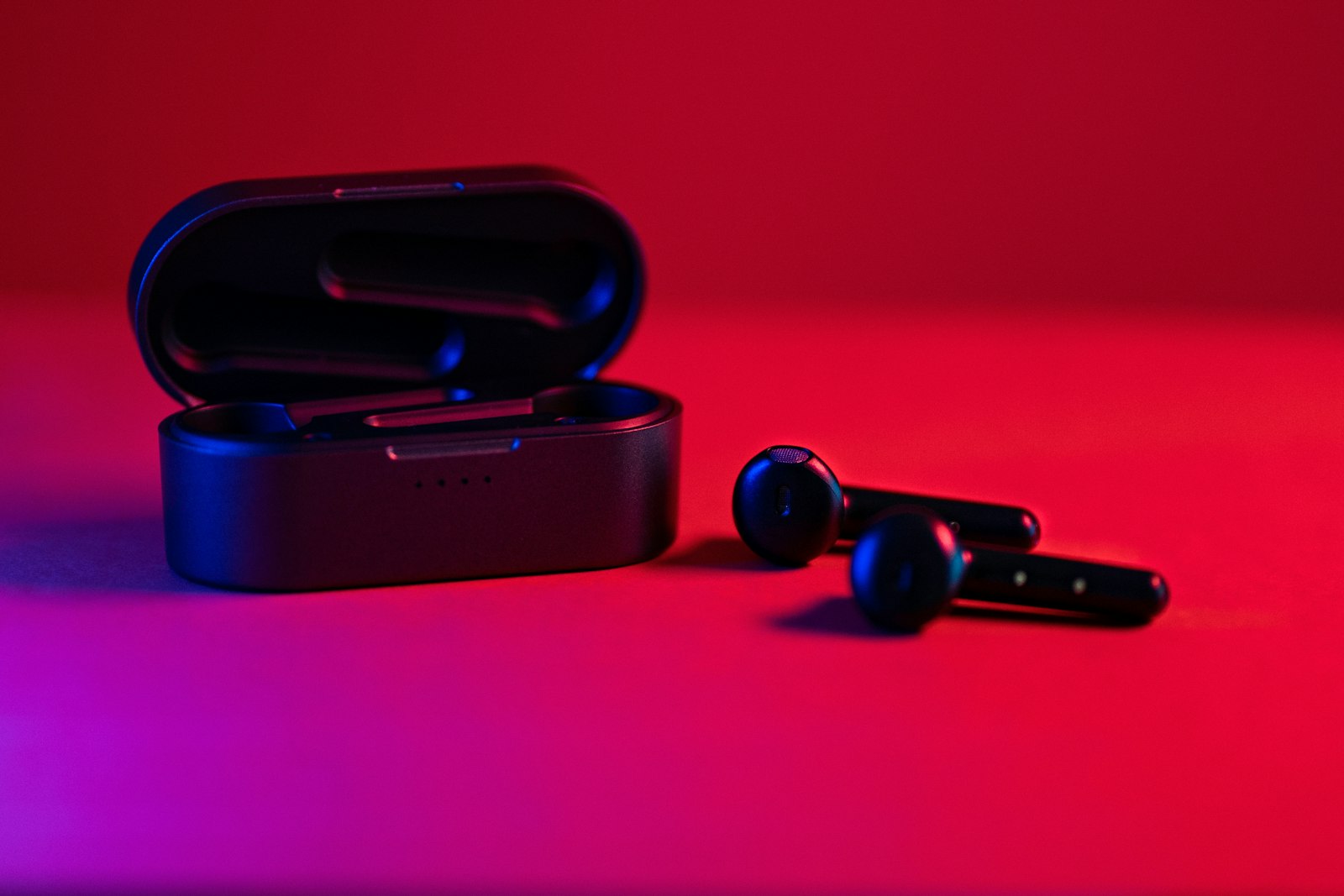
What if the silent television above your airport gate could play through your own earbuds, with no cable and no pairing code? That is the pitch behind Auracast, a Bluetooth feature that lets one audio source broadcast to any number of nearby listeners instead of connecting to just one device at a time. It builds on a wider upgrade called LE Audio, and understanding the two together explains both what is promising about it and why it has not shown up everywhere yet.
Classic Bluetooth Audio Is a One-to-One Link
Traditional Bluetooth audio works like a private phone call. Your phone pairs with a single set of headphones, sends them a stream, and nobody else can listen in. That design is great for privacy and a poor fit for anything shared: two people watching one laptop need two separate hacks, and a public screen has no way to reach your headphones at all.
What LE Audio Changes Underneath
LE Audio is the foundation Auracast sits on. As SoundGuys explains in its LE Audio primer, it moves audio onto the lower-power Bluetooth LE radio rather than relying only on the older Bluetooth Classic radio, and the feature set first appears with Bluetooth 5.2. The same article describes support for multiple synchronized connections, which lets each earbud in a true wireless pair receive its own stream instead of one bud relaying to the other.
The other headline piece is a new codec called LC3. SoundGuys, citing Bluetooth SIG data, says LC3 scales from 345 kbps down to 160 kbps, while the older SBC codec ranges from 345 kbps to 240 kbps, and that LC3 scores higher for sound quality while running at lower bitrates. Those numbers come from the standards body itself rather than independent testing, so treat them as a design claim. The practical promise is the same either way: comparable or better sound with less data to move, which should help battery life in small earbuds.
How Auracast Broadcasting Works
Auracast takes those building blocks and removes the one-to-one limit. According to the Bluetooth SIG’s Auracast page, a source can broadcast audio that others join, and listeners can find a broadcast by browsing a list similar to Wi-Fi networks, scanning a QR code, or tapping. Think of it less like pairing and more like tuning into a station.
The SIG describes three headline uses. Sharing audio lets someone invite others into what they are listening to. Public televisions in places like bars, gyms, and airports can have their sound unmuted for anyone who wants it. And in assistive listening, the SIG says Auracast is expected to become the next generation of the technology, contrasting it with inductive loop systems that it says suffer from poor quality, high cost, and lack of privacy. For people who use hearing aids, being able to pick up a venue’s audio directly could matter more than any of the entertainment uses.
What You Need to Use It
This is where expectations need adjusting. Support has to exist on both ends: a transmitter that broadcasts and a receiver that can join. SoundGuys puts the earbud side bluntly, noting that you will need new devices to take advantage of LE Audio, and it points out that adoption also depends on how many venues choose to install broadcast gear. A pair of earbuds bought a few years ago almost certainly lacks the necessary radio features, and a phone needs matching support too. Before buying with Auracast in mind, check the product’s spec sheet for both LE Audio and Auracast by name, since “Bluetooth 5.3” on the box does not guarantee either one.
If you are shopping anyway, our roundups of wireless earbuds and noise-cancelling headphones are a starting point, though you will want to verify Auracast support on any model you like. Low-energy radios already power everyday gadgets beyond audio, including the Bluetooth item trackers we compared earlier.
Should You Care Yet?
For most people, not urgently. The sharing scenarios are appealing, but they only pay off once the places you visit install transmitters and your own gear can listen in. If you rely on hearing aids or you buy audio gear to keep for years, it is worth favoring models that list Auracast support. For everyone else, it is a feature to watch rather than one to chase.
FAQs
Is Auracast the same as Bluetooth LE Audio?
Not quite. LE Audio is the broader set of improvements, including the LC3 codec and multi-stream support. Auracast is the broadcast feature built on top of it, so a device can support LE Audio without supporting Auracast.
Can anyone listen to an Auracast broadcast?
That depends on how the broadcast is set up. Public broadcasts are meant to be joined by anyone nearby, while a personal broadcast can be limited so only people you invite can join.
Do my current Bluetooth earbuds work with Auracast?
Probably not. Most earbuds made before LE Audio arrived do not include the needed radio features, so you would typically need newer earbuds, and your phone or other source also has to support it.
Does Auracast replace regular Bluetooth pairing?
No. Everyday one-to-one pairing continues to work as before. Auracast adds a separate way to listen to shared audio, so you can keep using your headphones exactly as you do now.











Discussion about this post