

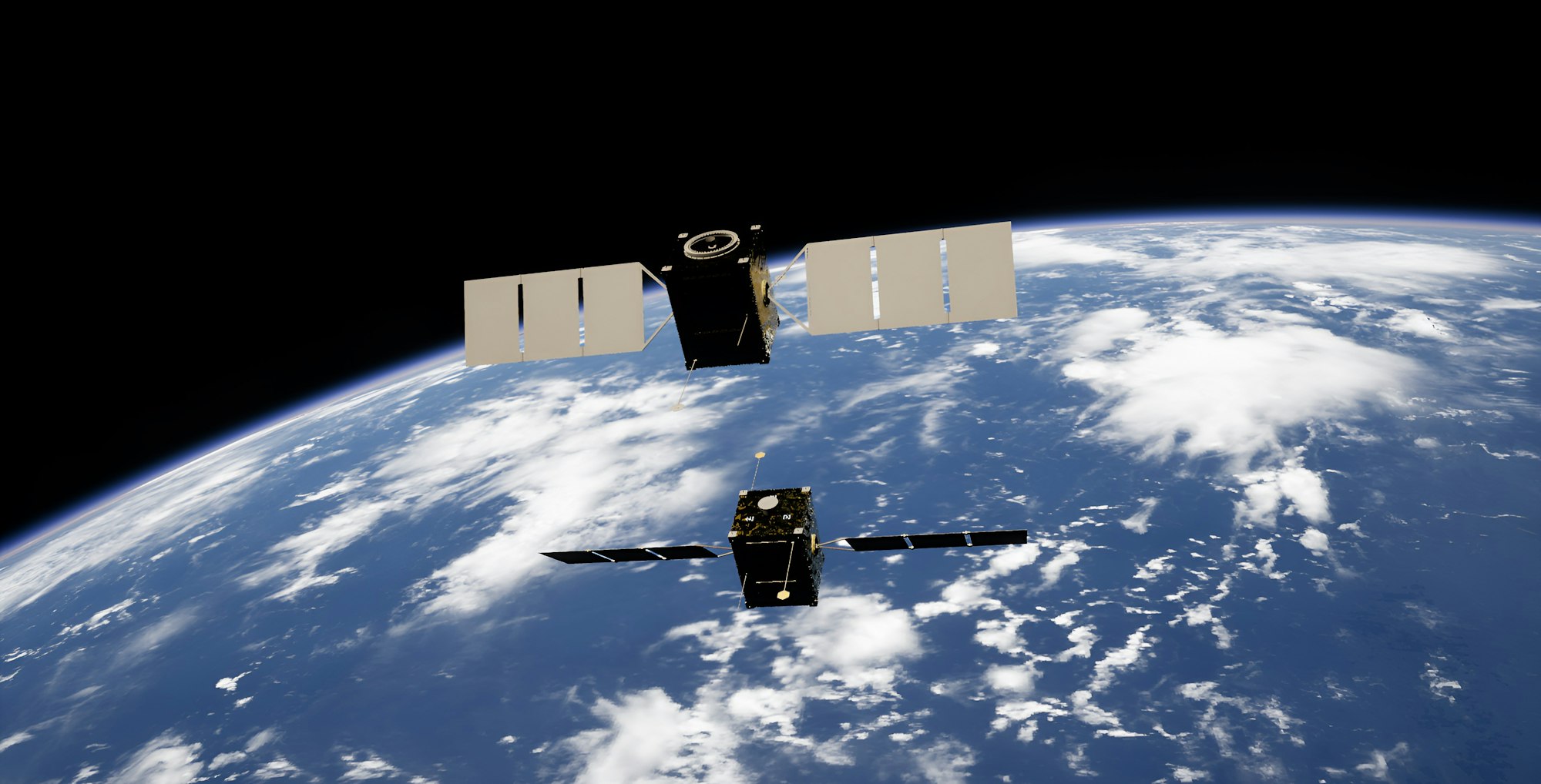
A phone with zero bars used to mean one thing: no signal, no messages, nothing until you found a window of coverage again. That’s no longer strictly true. Millions of ordinary phones — no special hardware, no bulky antenna — can now send a text message from a spot with no cell towers in range at all, bouncing the signal off a satellite instead. It sounds like a stretch, but it’s already built into the phone in your pocket, ready to kick in the next time you lose signal on a hike or a rural drive.
How a Regular Phone Talks to a Satellite
Satellite texting works because two different approaches converged around the same time. Apple built satellite radios directly into the iPhone 14 and every model since — including the current lineup covered in our smartphone buying guide — letting the phone connect straight to a satellite when it can’t find a cell tower. Separately, SpaceX built a fleet of Starlink satellites designed to act as, in the company’s own description, “cell towers in space” — talking directly to the same standard 4G LTE radio already inside most modern phones, no special chip required. That second approach is why satellite texting has spread so much faster than most people realize: it doesn’t need a new phone, just a carrier that’s turned the feature on.
What Apple’s Satellite Features Actually Cover
On iPhone 14 and later, Apple’s own support documentation lists four satellite-connected features: Emergency SOS (routing you to emergency responders when you’re out of cell and Wi-Fi range), roadside assistance, satellite messaging through the Messages app, and location sharing via Find My. None of it is instant — Apple’s documentation is upfront that “in ideal conditions with a direct view of the sky and the horizon, a message might take 30 seconds to send,” and dense tree cover, canyons, or tall buildings can block the connection outright. The features are included free for two years with the activation of an iPhone 14 or later, and Messages sent this way stay end-to-end encrypted the same way they are over Wi-Fi or cellular.
What T-Mobile’s Satellite Service Does
T-Mobile’s version, branded T-Satellite, runs on the Starlink Direct to Cell network and works differently from Apple’s built-in system: it’s a carrier feature, not a hardware feature, so it works with most phones from roughly the last four years — not just iPhones. It’s included free with T-Mobile’s top-tier plans, or available as a $10-a-month add-on (currently discounted). Text messaging, location sharing, and access to a handful of optimized apps — including WhatsApp, Google Maps, and AccuWeather — work over the satellite link today; data speeds stay limited and won’t support every app. Coverage currently spans the continental US, Puerto Rico, Hawaii, and parts of Alaska, with Canada, New Zealand, and Japan also live through partner carriers.
How This Shows Up on Android
Google has built satellite support directly into the Android operating system rather than leaving it entirely up to individual phone makers. The platform’s own developer documentation describes a standardized interface that lets any compatible modem route emergency calls, text-to-911, standard SMS/MMS/RCS messages — the same messaging standard covered in our RCS messaging explainer — and basic location sharing over a satellite link when there’s no terrestrial network available. Because it’s built into Android itself rather than a single manufacturer’s software, the exact list of supported phones depends on which carrier and device combination has switched the feature on, similar to how eSIM support rolled out carrier by carrier rather than all at once.
What It’s Actually Good For (and Not)
None of this replaces a normal signal. Satellite texting is built for the moments when you have none: a hiking trail with no coverage, a rural highway, a boat a few miles offshore. The message delay, the need for a clear view of the sky, and the fact that data barely works at all mean it’s not a substitute for a real connection — it’s a backup for exactly the situations where you’d otherwise have nothing. Apple’s system also has a hard geographic limit worth knowing before you rely on it: it doesn’t work above roughly 62° latitude, which rules out the far north of Alaska.
FAQs
Do I need a special phone for satellite texting?
It depends which system. Apple’s Emergency SOS and Messages via satellite require an iPhone 14 or later, since the satellite radio is built into the hardware. T-Mobile’s T-Satellite, by contrast, works with most phones released in roughly the last four years, because the satellite acts like an ordinary cell tower rather than requiring special hardware in the phone.
Does satellite texting cost extra?
Apple’s satellite features are free for the first two years after activating an eligible iPhone. T-Mobile’s T-Satellite is included with its top-tier plans and otherwise costs around $10 a month as an add-on, with current promotional discounts sometimes lowering that.
Can I make a phone call over satellite?
Not a standard cellular call. Text messages, location sharing, and emergency SOS work over satellite today; voice calling is more limited and, on T-Mobile’s network, currently routes through apps like WhatsApp rather than a normal phone call.
Why does my satellite message take so long to send?
Satellite links have far less bandwidth than a cell tower, and the connection needs a relatively clear view of the sky. Apple’s own guidance notes a message can take around 30 seconds even in ideal conditions, and longer under tree cover or near tall buildings.
Will satellite texting work anywhere in the world?
No — coverage depends on the carrier and country. Apple’s satellite features are unavailable in a handful of countries, including mainland China and Russia, and T-Mobile’s T-Satellite currently covers the continental US plus a growing list of partner countries rather than the entire globe.










Discussion about this post