

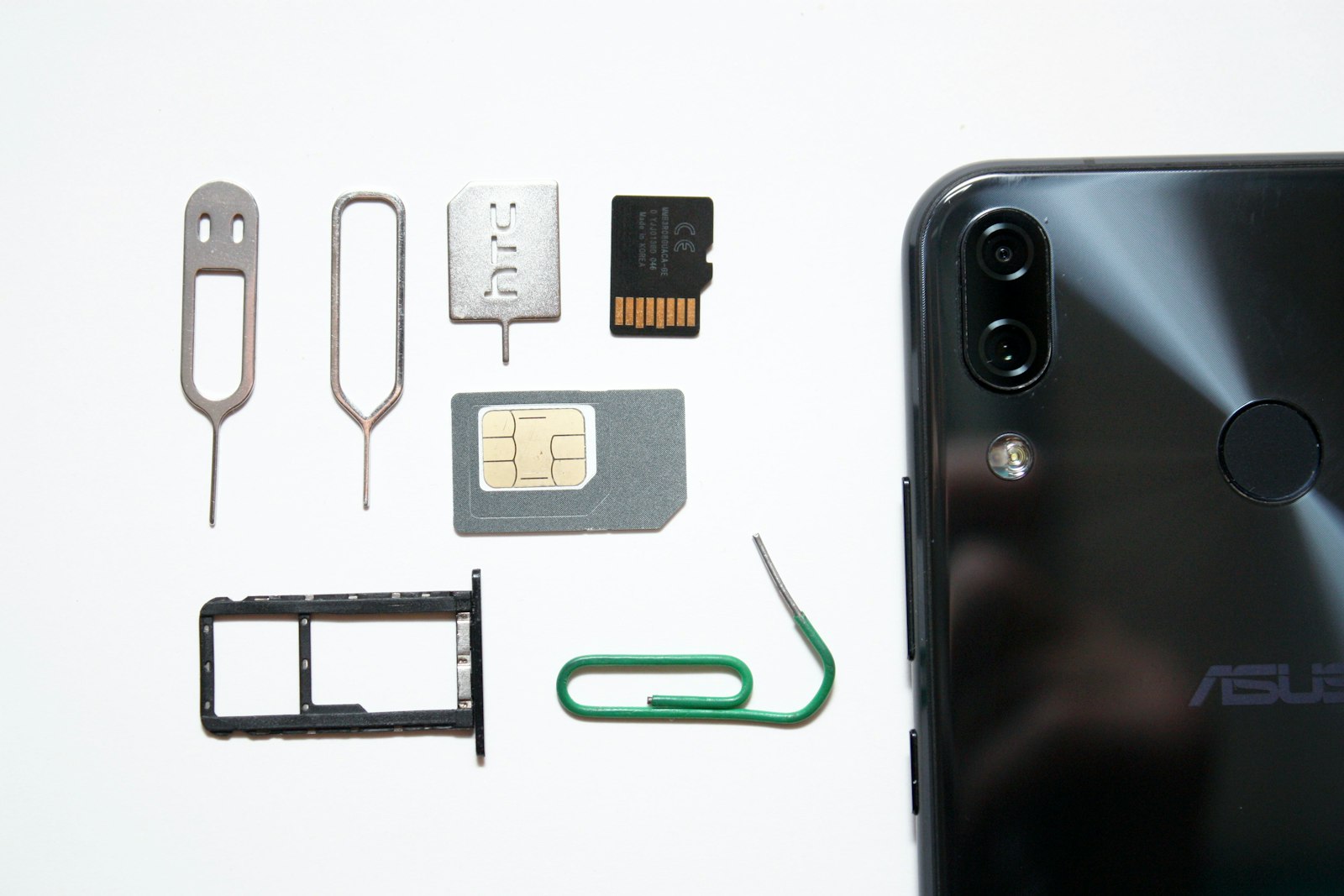
The SIM card, that tiny plastic chip that has anchored mobile service for three decades, is disappearing from an increasing number of phones — starting with the iPhone. If you’ve bought a recent flagship and noticed there’s nowhere to insert a physical card, you’re not missing a slot. It was left out on purpose.
What an eSIM Actually Is
An eSIM is, per the GSMA’s own definition, a global specification that enables remote SIM provisioning on a device — in plain terms, a small chip built directly into the phone’s circuitry that can be programmed with your carrier’s information over the air, instead of requiring a physical card to be inserted and swapped. Apple describes it more simply as “an industry-standard digital SIM that allows you to activate a cellular plan from your carrier without having to use a physical SIM.”
The chip itself isn’t new hardware you’d notice; it’s a small embedded component that’s been present in phones for years, sitting alongside where a SIM tray used to be. What’s changed recently is that manufacturers have started removing the physical tray entirely on certain models, making the embedded chip the only option rather than a backup one.
Which Phones Are eSIM-Only Right Now
Apple began the shift with the iPhone 14 lineup in 2022, but only in the United States. Every iPhone sold in the US since then has shipped without a physical SIM tray. That footprint expanded with the iPhone 17 series: as of its September 2025 launch, the iPhone 17, iPhone 17 Pro, and iPhone 17 Pro Max are eSIM-only in 12 markets — the United States, Canada, Mexico, Japan, Guam, the U.S. Virgin Islands, and several Gulf states including Saudi Arabia, the UAE, Qatar, Kuwait, Bahrain, and Oman, according to a country-by-country breakdown from MacRumors. Outside those markets, current iPhones still ship with a physical SIM tray. Several Android flagships, including some Pixel and Galaxy models, now ship without a tray as well, though a physical-SIM version is often still sold alongside them depending on the region.
Why Manufacturers Are Making the Switch
Removing the SIM tray isn’t just a cosmetic choice. It frees up a small amount of internal space that can go toward battery capacity or other components, and Apple specifically points to security as a benefit: an eSIM can’t be physically removed and moved to another device the way a SIM card can, which closes off a specific type of phone theft where the SIM is pulled to avoid tracking or to reuse the number. This also makes it possible to store multiple carrier profiles on one device and switch between them without touching hardware — useful for anyone who splits time between a work and personal line, or who travels internationally and wants a local data plan without hunting down a SIM card at the airport.
The Real Downsides
The tradeoffs are less dramatic than the switch might suggest, but they’re real. Switching carriers with an eSIM requires either scanning a QR code or entering an activation code from your new carrier — a process that’s usually simple but is a genuinely different workflow than “take out the old card, put in the new one,” and it can trip people up who aren’t used to it. It also means you can’t hand a spare phone a SIM card the way you could before; transferring service to a different physical device requires the new carrier’s cooperation, not just a screwdriver and a SIM ejector tool. And while that support is now broad, it isn’t universal — some prepaid carriers, budget regional providers, and older phones still only work with a physical card, so it’s worth checking compatibility before assuming a given plan will work.
Setting Up an eSIM
The process is largely the same across recent iPhones and Android phones: your carrier provides either a QR code or an activation link, you scan or open it from your phone’s cellular settings, and the profile downloads and activates automatically, typically in under a minute. Most phones let you store several eSIM profiles at once even if only one or two can be active for calls and data simultaneously, which is what makes juggling a travel profile alongside your regular line straightforward. If you’re shopping for a new phone soon, it’s worth checking this support alongside the rest of the specs in our current smartphone picks.
FAQs
Can I still get a phone with a physical SIM slot?
Yes, outside of the specific eSIM-only markets and models mentioned above, most phones sold worldwide — including the majority of Android devices — still include a physical SIM tray, often alongside that option rather than instead of it.
What happens to my eSIM if I get a new phone?
You’ll typically need to set up a new eSIM profile on the new device rather than physically transferring anything, since there’s no card to move. Apple and Google both support device-to-device transfer during setup for their own ecosystems, but switching between different brands usually requires contacting your carrier to reissue the profile.
Does an eSIM work the same as a physical SIM for calls and data?
Functionally, yes — once activated, it behaves identically to a physical SIM for calls, texts, and data. The difference is entirely in how the profile gets onto the device, not in how the service performs afterward.
Is it harder to use a local eSIM when traveling internationally?
It’s generally easier than the alternative. Many travel-focused providers sell eSIM data plans that activate instantly via QR code, letting you add a local data profile without removing your home SIM or finding a physical shop that sells prepaid cards in an unfamiliar country.
Can someone hack or clone my eSIM remotely?
These profiles are provisioned through encrypted, carrier-authenticated channels, which is generally considered more secure than a physical SIM that can be removed or swapped by anyone with access to the device. As with any account, the more realistic risk is a social-engineering attack on your carrier account itself, not a technical exploit of the embedded chip.












Discussion about this post