

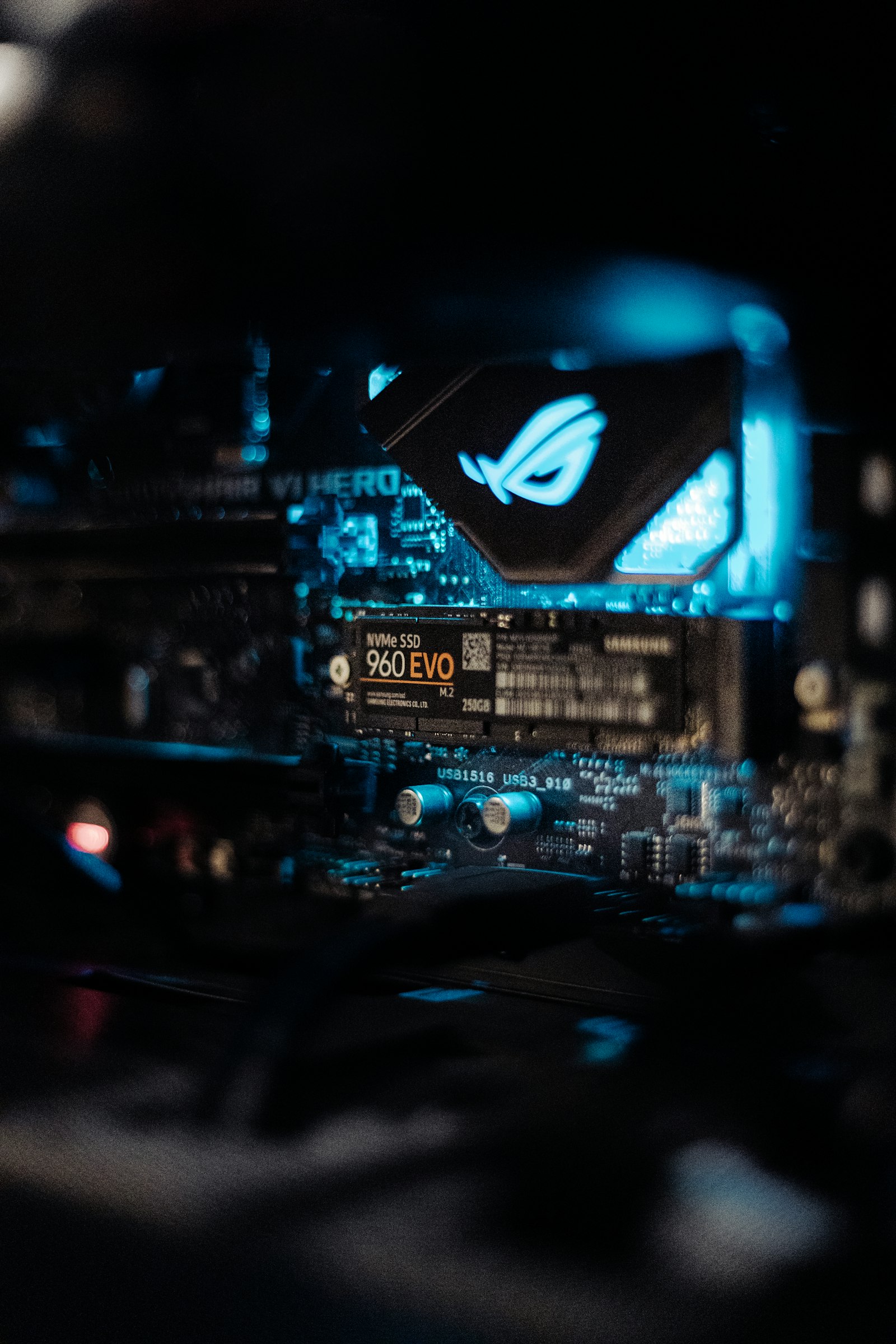
A modern NVMe drive can read game data faster than the processor can unpack it. That mismatch is the problem DirectStorage was built to solve. Microsoft’s Windows API changes how a game requests assets from storage and, in its newer versions, lets the graphics card do the decompressing instead of the CPU. The result, in the right conditions, is shorter loading screens and less stalling when a game streams in large worlds.
This article explains where the old approach bottlenecks, what DirectStorage changes, which hardware it needs, and why you should not expect every game to load instantly. A note on sourcing: the performance figures below come from Microsoft and NVIDIA posts published in 2022, so treat them as the vendors’ own early numbers rather than benchmarks of current games.
The Bottleneck Before DirectStorage
Game assets such as textures, models and audio are stored compressed. In the traditional pipeline, Microsoft explains in its DirectStorage 1.1 announcement, the CPU decompresses that data before it is finally copied into GPU memory. Microsoft says this transfer and decompression contributes heavily to load times and limits how much detail can go into open-world scenes.
Older storage APIs were designed in an era of slow hard drives. They handle requests one at a time in ways that suit a spinning disk but waste the parallelism that an SSD offers. Put a fast SSD in an old pipeline and the drive sits partly idle while the CPU struggles to keep up.
What DirectStorage Changes
Better input and output handling
The first release reduced the overhead of requesting and moving data. Microsoft says the benefit shows up as load-time reductions of up to 40 percent on NVMe drives, with decompression remaining the next bottleneck.
GPU decompression with GDeflate
Version 1.1 added the bigger change: moving decompression onto the graphics card. NVIDIA contributed a format called GDeflate, which its developer blog describes as a lossless compression standard optimized for high-throughput decompression on the GPU. It builds on the common DEFLATE format and splits data into 64 KB tiles that can be processed in parallel, which suits a graphics chip’s many cores.
In a sample shared by Microsoft, loading data with GPU decompression took 0.8 seconds against 2.36 seconds using CPU decompression, which Microsoft described as nearly three times faster. The company labelled it an early preview and noted that results vary by workload and hardware. Its stated upside is that the CPU is almost entirely freed up for other game processes.
What Your PC Needs
According to Microsoft’s DirectStorage 1.1 release post, GPU decompression is supported on all DirectX 12 graphics cards with Shader Model 6.0. DirectStorage games work on Windows 10 and Windows 11, though Microsoft recommends Windows 11 for extra storage optimizations, and you need an NVMe SSD to see the significant gains. Keeping graphics drivers up to date is also advised.
If you are weighing storage options, our portable SSD buying guide explains drive speeds, though external drives are a different use case from an internal NVMe game drive.
The Catch: Games Must Opt In
DirectStorage is not a driver switch that speeds up every title. Developers have to build support into a game, and the benefit then depends on how that game uses it. Many loading times also involve work unrelated to storage, such as compiling shaders or setting up game logic, which DirectStorage does not touch. NVIDIA’s post notes that uncompressed streaming tops out near the roughly 3 GB/s limit of a PCIe Gen 3 link, while consumer NVMe drives can deliver up to 7 GB/s, which shows how much headroom the old approach left unused.
Where It Fits With Other PC Gaming Tech
DirectStorage tackles a different problem from frame-rate boosters. Our explainer on DLSS and FSR upscaling covers rendering speed, while this tech targets how quickly data reaches the GPU. If you play on a portable machine, see handheld gaming PCs worth buying for hardware where storage speed and efficiency both matter.
FAQs
Do I need an NVMe SSD for DirectStorage?
Microsoft says you need an NVMe SSD to see the significant improvements. The API may run on other drives, but the headline gains are tied to NVMe speeds.
Does DirectStorage work on Windows 10?
Yes. Microsoft says DirectStorage games work on both Windows 10 and Windows 11, with Windows 11 recommended for additional storage optimizations.
Will DirectStorage make every game load faster?
No. A game must be built to use it, and loading time also depends on non-storage work such as shader compilation. Gains vary by title.
What is GPU decompression?
It means the graphics card unpacks compressed game assets instead of the CPU. Microsoft’s DirectStorage 1.1 introduced it, using NVIDIA’s GDeflate format, so the CPU is free for other tasks.
Does DirectStorage improve frame rate?
Not directly. It targets loading and streaming of data. Smoother streaming can reduce stutter in large worlds, but it is not a substitute for a faster graphics card.











Discussion about this post