

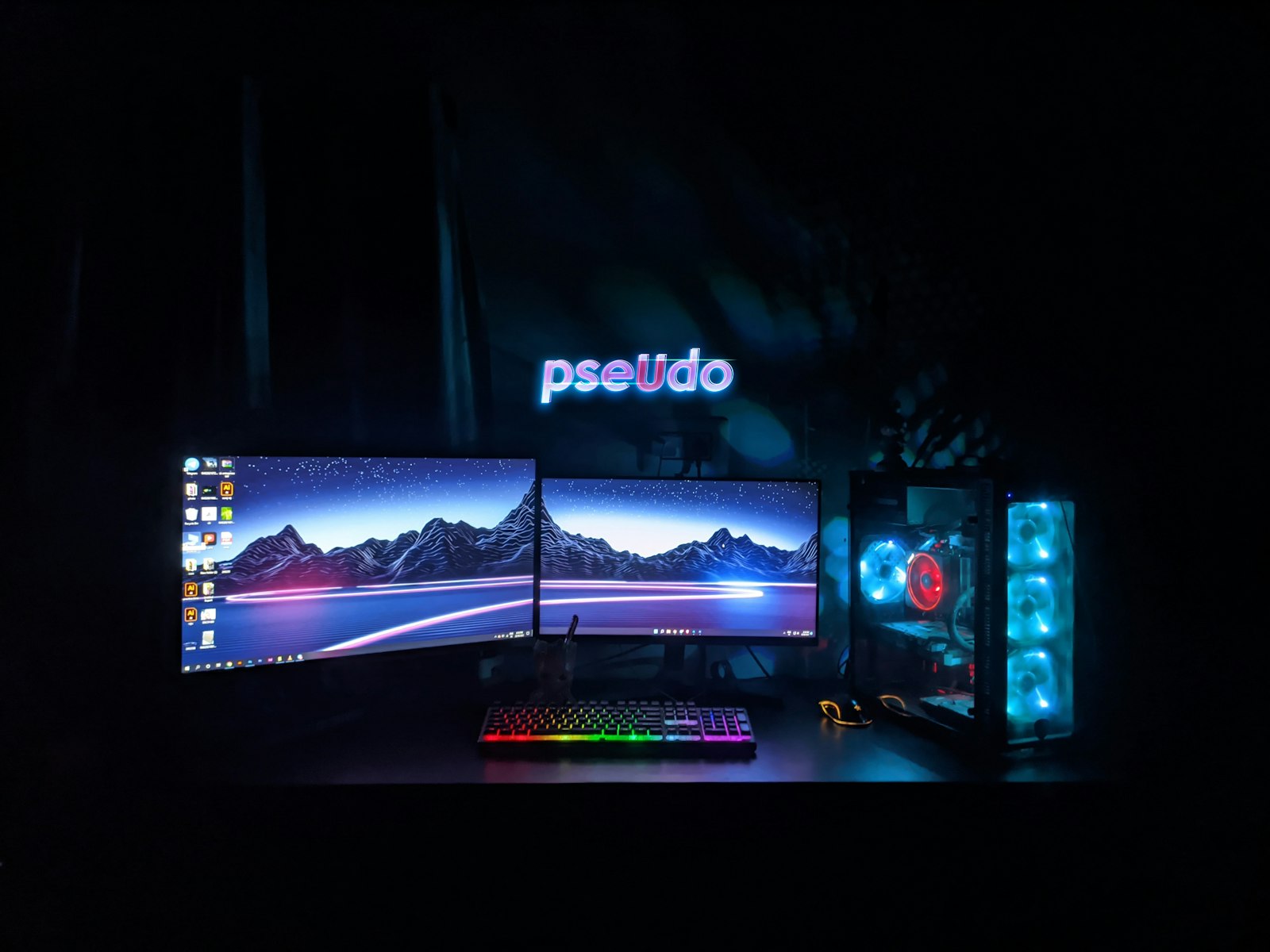
Here is a belief that sends plenty of gamers shopping for the wrong thing: “If I buy a 240 Hz monitor, screen tearing will go away.” It will not, at least not by itself. Tearing happens when the graphics card and the display disagree about timing, and a faster display only changes how often they get a chance to disagree. The tool built to fix the mismatch is variable refresh rate, sold under names like G-Sync and FreeSync.
Here is how the problem arises, what these features do about it, and how to read the labels when you shop.
Why Tearing and Stutter Happen
A monitor refreshes on a fixed schedule, say 60 or 144 times per second. A game, meanwhile, produces frames at whatever rate the graphics card can manage, and that rate bounces around depending on the scene. When a new frame arrives while the monitor is partway through drawing the previous one, you can see the top half of one frame and the bottom half of the next, a visible seam called tearing.
The classic fix is vertical sync, which makes the graphics card wait for the monitor’s next refresh. That removes tearing but introduces its own trouble: if a frame misses the deadline, the previous image stays on screen for another full refresh, which looks like stutter and adds input delay.
What Variable Refresh Rate Changes
Variable refresh rate, usually shortened to VRR, flips the arrangement. Instead of the graphics card waiting for the monitor, the monitor waits for the graphics card, refreshing when a new frame is ready within its supported range. The result is no seam and no deliberate wait. Wikipedia’s overview describes VRR as a dynamic display that can continuously and seamlessly change its refresh rate without user input, and notes that Nvidia’s G-Sync, launched in 2014, was the first commercial implementation.
G-Sync: Nvidia’s Approach
Nvidia sells G-Sync in tiers, and its own page spells them out:
- G-Sync Compatible. These monitors do not use an Nvidia processor but are validated by Nvidia to deliver a good, basic VRR experience that is tear-free and stutter-free.
- G-Sync. These monitors include a dedicated Nvidia G-Sync processor. Nvidia says this tier offers no tearing, stuttering, or input lag, along with a full VRR range and variable overdrive.
- G-Sync Ultimate. The top tier adds the best G-Sync processors, aimed at HDR, contrast, color, and very low latency.
Nvidia also warns that not all features are available on every monitor, so confirm specifics with the display maker.
FreeSync: AMD’s Approach
AMD’s technology works differently in marketing terms: it builds on open variable-refresh protocols rather than a proprietary processor in the monitor. According to AMD’s FreeSync page, it provides a tear-free, flicker-free experience when paired with Radeon graphics and works over both HDMI and DisplayPort. AMD says displays go through a certification process that tests refresh rates, latency, and HDR accuracy, and it organizes them into three tiers:
- FreeSync is the baseline, with tear-free, low-latency operation.
- FreeSync Premium raises the refresh-rate requirements. AMD’s monitor table lists 200 Hz or higher for displays below 3440 pixels wide, versus 144 Hz or higher for baseline FreeSync.
- FreeSync Premium Pro adds certified HDR support on top of Premium.
AMD’s table also marks low framerate compensation as supported across the three monitor tiers. That feature helps VRR keep working when a game’s frame rate drops below the monitor’s minimum refresh rate.
Underneath both brands sits a standard. The VESA-defined Adaptive-Sync feature became an optional part of the DisplayPort specification, and was formally introduced with DisplayPort 1.2a in 2014, per Wikipedia. That is why a single monitor can often carry both a FreeSync badge and a G-Sync Compatible label. The two names are programs that test and certify monitors, rather than rival ways of drawing pixels.
Which One Do You Need?
Mostly, match your graphics card, then check the monitor’s specs:
- Check which graphics card you have, or plan to buy. Radeon cards pair most naturally with FreeSync, while GeForce cards work best with G-Sync or G-Sync Compatible displays.
- Look for the range, not just the badge. A VRR monitor only helps within its supported refresh range, so a wide range matters more than a logo.
- Check the connection. Make sure the cable and port you will use support VRR at your target resolution and refresh rate.
- Skip paying extra for the top tier unless you want the extras, like HDR certification or extra motion-clarity features.
If you are weighing a whole monitor purchase, our monitor buying guide covers panel type, brightness, and resolution. VRR also works hand in hand with rendering features: see our explainer on DLSS and FSR for how frame generation changes the frame rates your display has to follow, and ray tracing for why those frame rates swing so much in the first place.
FAQs
Does a high refresh rate monitor remove screen tearing?
Not by itself. Tearing comes from a timing mismatch between the graphics card and display, and a faster monitor only reduces how noticeable it is. Variable refresh rate or vertical sync is what addresses the mismatch directly.
Is FreeSync the same as G-Sync?
They serve the same purpose but come from different companies and certification programs. Both rely on variable refresh rate, and many monitors support both through the shared Adaptive-Sync standard.
Do I need G-Sync or FreeSync if my game runs at a steady frame rate?
If your frame rate always matches the monitor’s refresh rate, you may never notice. The benefit appears when frame rates fluctuate, which is typical in modern games.
Can I use FreeSync with an Nvidia graphics card?
Often yes, if the monitor is validated as G-Sync Compatible or otherwise supports the shared standard. Check Nvidia’s list or the monitor’s specifications to be sure.
Does variable refresh rate add input lag?
Not inherently. Compared with traditional vertical sync, VRR typically avoids the deliberate waiting that adds delay, though results depend on the monitor and settings.








Discussion about this post