

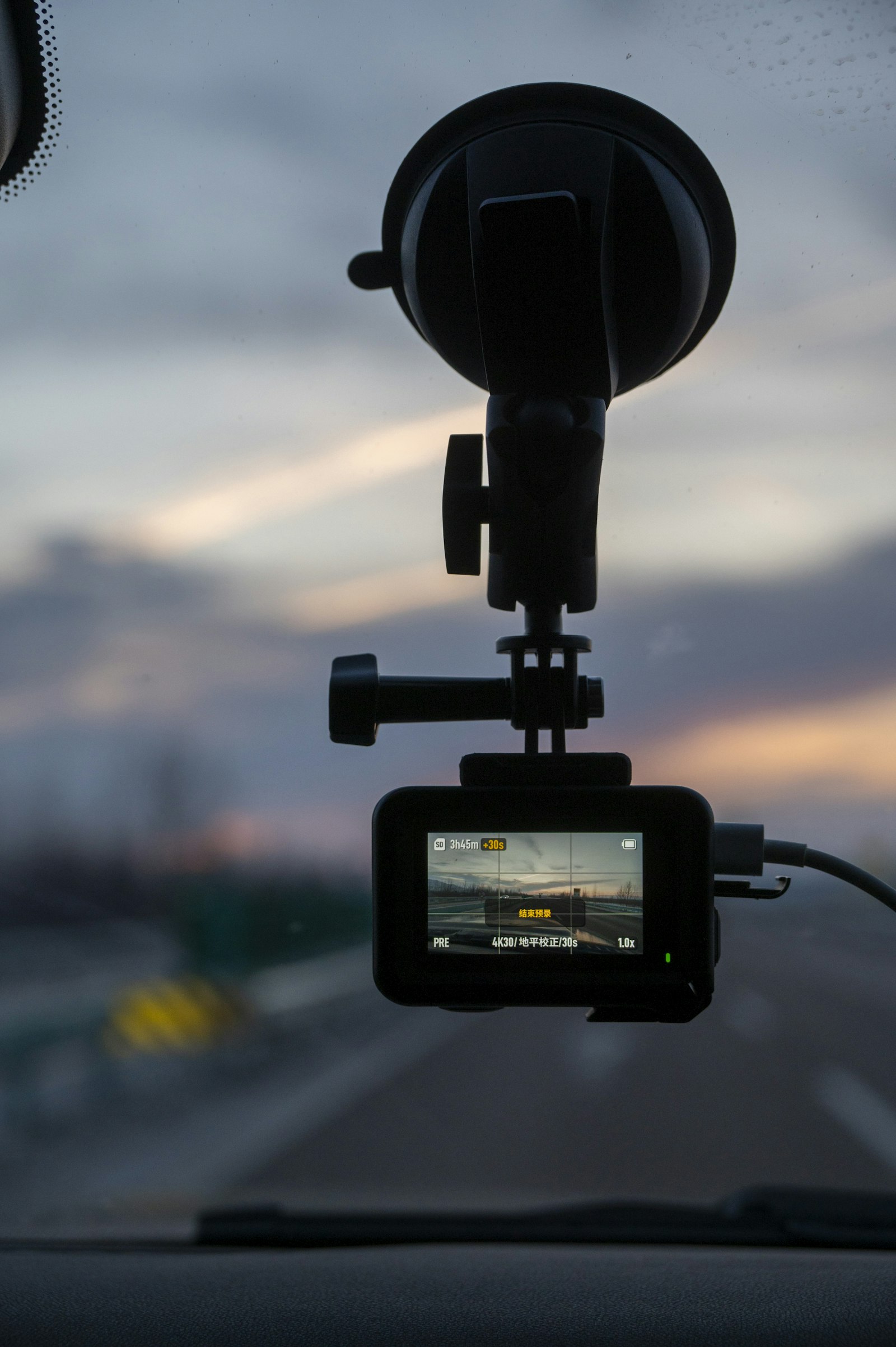
Most people shopping for a dash cam compare megapixels and lens angles. The part that fails first is usually a $10 memory card nobody thought about. This dash cam buying guide covers the camera, but it also covers the storage, power, and settings that decide whether you have usable footage on the day you need it.
No specific model is ranked here and no prices are quoted, since both change often. The goal is a checklist you can apply to any product page.
Video Quality: What the Numbers Mean
Resolution is the headline spec, but it is only part of the picture. Full HD (1080p) is common even on compact models; Garmin, for example, lists 1080p video and a 140-degree field of view for its Dash Cam Mini 3. Higher resolutions can help when you need to read a license plate at a distance, but they also produce bigger files and demand faster cards.
Field of view is a trade-off. A wider angle captures more lanes and the roadside, while a narrower one gives a bit more detail on what is directly ahead. Many buyers settle somewhere in the middle. Night performance matters as much as daytime sharpness, and it is hard to judge from a spec sheet, so look for sample night footage from independent reviewers rather than only the manufacturer’s clips.
The Memory Card Is Not an Afterthought
A dash cam records continuously and overwrites old footage in a loop. That constant rewriting is hard on flash storage, so a card that is fine in a camera or phone can wear out quickly in a car. Check what your camera supports before buying. Garmin’s manual for the same model says it takes microSDHC or microSDXC cards from 8 GB to 512 GB, Class 10 or higher, formatted as FAT32. Other brands have their own limits, so read the manual rather than assuming.
The SD Association explains its speed class markings: Class 10 corresponds to a minimum 10 MB/s write speed, and the Video Speed Class labels such as V30, V60, and V90 target high-resolution recording. If you shoot above 1080p, a card with a higher video class is the safer choice.
Beyond speed, look for cards sold as high-endurance, which are made for constant overwriting. Plan to replace the card periodically and format it in the camera now and then. If you are comparing storage for other gear, our portable SSD buying guide covers a different but related corner of the storage world.
Parking Mode and Power
Many incidents happen while you are away from the car. Parking mode keeps the camera watching, usually by waking it when it senses an impact or movement. There is a catch: continuous power. A camera that runs while parked normally needs a hardwire kit connected to the car’s fuse box, or an external battery pack, because the cigarette-lighter socket in many vehicles turns off with the ignition.
Check three things on the product page: whether parking mode is built in or needs an accessory, whether the hardwire kit includes low-voltage cutoff to protect your car battery, and how long a battery pack can sustain recording. Do not assume a feature exists because a competing model has it. Garmin’s page for the Mini 3 lists voice control and automatic incident detection but does not describe parking monitoring, which is a good reminder to confirm each feature for your exact model.
Features Worth Having (and Ones You Can Skip)
- Automatic incident detection. The camera locks the clip around a sudden jolt so it is not overwritten. This is close to essential.
- Accurate timestamps. Footage is more useful if the date and time are correct. GPS or phone sync helps keep them right.
- Rear or cabin cameras. A second camera helps if you are rear-ended or drive for work, but it adds cost and wiring.
- Wi-Fi and app access. Handy for copying clips to your phone without removing the card.
- Heat tolerance. Cars get very hot in summer. Cameras that use supercapacitors rather than small batteries are generally better suited to heat, so check what the manufacturer says.
If your interest is more general video work than driving, our roundup of action cameras covers cameras built for sport and travel instead.
Privacy and Legal Notes
Rules about mounting a camera on the windshield, recording audio inside the car, and sharing footage online differ by country and by state. Some places restrict where you can mount devices, and recording conversations without consent is regulated in many regions. Check your local laws before buying, and think twice before posting footage that shows other people’s faces or license plates.
FAQs
Do I need a dash cam with parking mode?
Only if you often park in places where a bump or break-in is a real risk. It adds cost and usually needs a hardwire kit or battery pack, so weigh that against how you use your car.
How big a memory card should I buy?
Choose a size within your camera’s supported range. Larger cards hold more loop-recorded footage before overwriting, but reliability and endurance matter more than raw capacity.
How often should I replace a dash cam memory card?
There is no fixed schedule. Constant rewriting wears cards out, so replace it if the camera reports card errors or footage becomes corrupted, and consider a periodic replacement as routine maintenance.
Will a dash cam drain my car battery?
It can if it runs while parked without protection. Hardwire kits with low-voltage cutoff, or a dedicated battery pack, are designed to prevent that.












Discussion about this post