

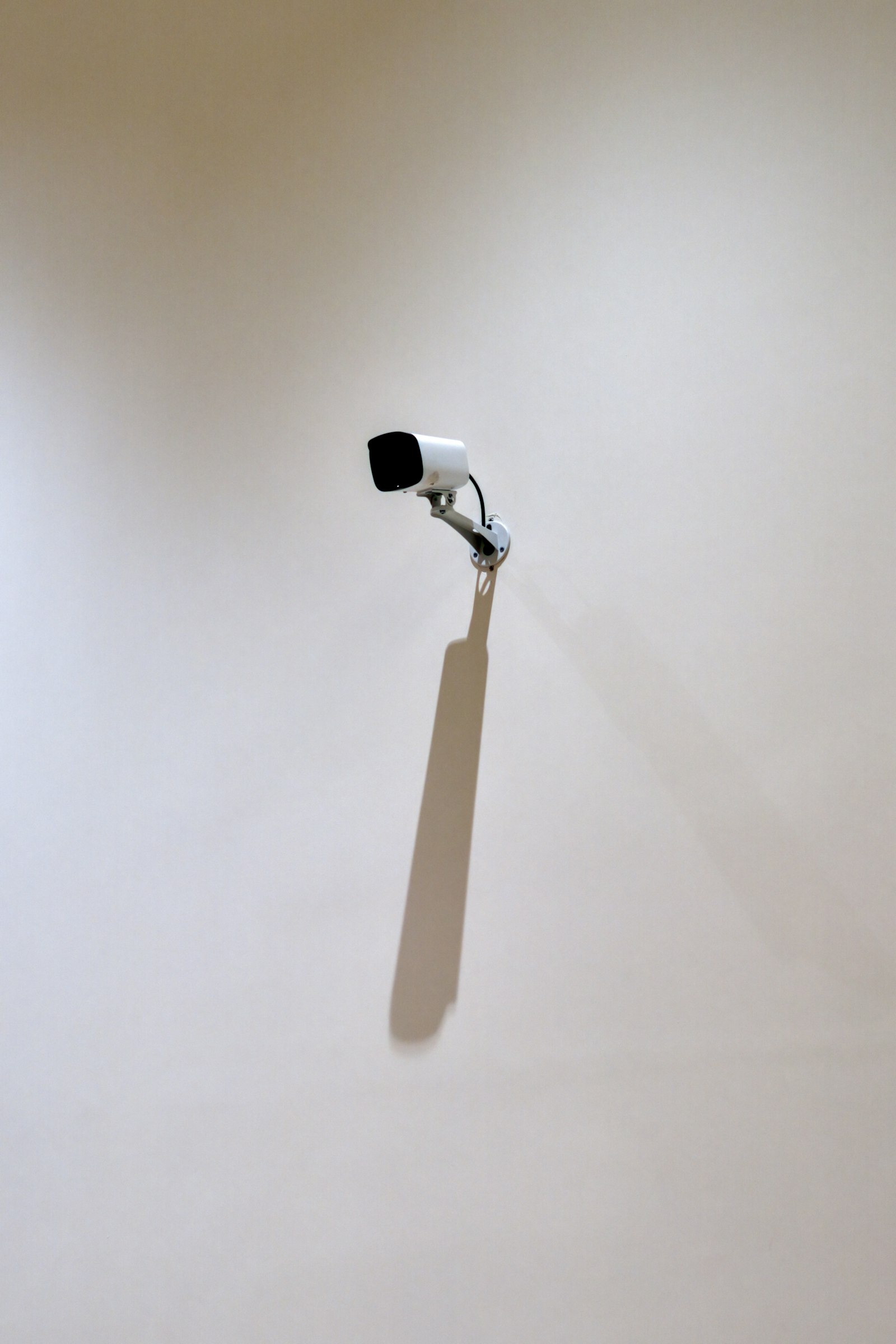
The price on the box is rarely what a camera costs you. With home security cameras, the hardware is often the cheap part, and the real difference between brands shows up later, in how long your footage is kept, where it is stored, and what you pay each month to see it. This comparison of Ring and Google Nest Cam is built from the manufacturers’ own product pages, so you can weigh those trade-offs before you buy.
One note on method: this is a specs-and-policies comparison, not a hands-on test. We have not mounted these cameras or measured their image quality, so treat the figures below as what each company says, and check the linked pages for current details.
Ring Indoor Cam: Cheap Hardware, Cloud-First Recording
Ring’s Indoor Cam page lists the plug-in model as a 2nd-generation camera (2023 release) with 1080p HD video, night vision, and a 143-degree diagonal field of view. It runs on a micro-USB power adapter rather than a battery, and the page shows a price of $49.99 for the single white plug-in camera. Prices change often, so confirm before buying.
Features include customizable motion zones, privacy zones, a physical privacy cover, two-way talk, and a remote-activated siren. The catch is storage. Ring’s page ties saved recordings to a Ring Protect subscription, which keeps video for up to 180 days. Continuous 24/7 recording is limited to 10 devices at one location and is stored in the cloud for up to 14 days. The page does not mention a microSD slot or local base station for this camera.
Google Nest Cam: Sharper Video, Subscription for the Extras
Google’s Nest Cam listing covers three versions: a wired outdoor camera (2nd generation), a wired indoor camera (3rd generation), and a battery-powered camera. The wired models are listed at 2K HDR with a 152-degree diagonal field of view, while the battery camera is 1080p HDR at 130 degrees.
Without a subscription, Google says the wired cameras keep 6 hours of event video previews (clips of up to 10 seconds) and the battery camera keeps 3 hours of event-based history. Google Home Premium extends this, with the page listing up to 60 days of event-based history and up to 10 days of 24/7 continuous history, depending on the plan. The Standard plan is listed at $10 per month or $100 per year, and the Advanced plan at $20 per month or $200 per year. Features such as person, animal, and vehicle alerts, Activity Zones, and Gemini-powered event descriptions and summaries are described on the same page, with the Gemini features requiring Premium.
Side by Side: Where the Two Differ
Laying the two lineups next to each other, the contrast comes down to a few points.
- Video resolution: Ring’s indoor camera is 1080p; Google’s wired Nest Cams are listed at 2K HDR, with its battery model at 1080p HDR.
- Power: Ring’s camera here is plug-in only; Google offers wired and battery versions.
- Free history: Google lists a few hours of event previews without a plan; Ring’s page ties saved recordings to its paid plan.
- Paid history: Ring lists up to 180 days of saved video under Protect; Google lists up to 60 days of event history under Premium.
- Local storage: Neither product page we read mentions a microSD or base-station option.
The Local-Storage Alternative
If a monthly fee is the dealbreaker, some brands pitch the opposite approach. The eufy homepage advertises “Local Security, No Monthly Fee” on its camera bundles. The wording carries an asterisk that we could not expand from the page, and we did not reach eufy’s individual product pages, so we cannot confirm resolution, power, or storage details for specific models. Read the fine print there before assuming the feature set matches the subscription services.
How to Choose
Start with how you want to use the footage. If you mostly want a live view and a ping when something moves, a low-cost camera with a short free history may be enough. If you want weeks of searchable recordings, price the subscription over two or three years, not just the camera. Our smart home devices guide shows where a camera fits among other devices, and the Matter smart home standard explainer is worth reading if you plan to mix brands. Stable footage also depends on stable Wi-Fi, which our mesh Wi-Fi systems roundup covers.
A final reminder: cameras record people, including visitors and neighbors. Point them at your own property, and check the rules where you live.
FAQs
Do home security cameras need a subscription?
Not to function, but most major brands restrict saved history without one. Ring ties saved recordings to its Protect plan, and Google gives only a few hours of event previews before pointing to Google Home Premium for longer history. Brands that advertise local storage may avoid the fee, so read the details.
Is a 2K camera noticeably better than a 1080p camera?
A higher resolution can show more detail when you zoom into a clip, such as a license plate or a face at a distance. Real-world results also depend on lighting, lens quality, and compression, so resolution alone does not settle the question.
Should I choose a wired or battery-powered camera?
Wired cameras suit spots near an outlet and avoid recharging. Battery models are easier to place, but Google’s listing shows its battery camera with a shorter free history and lower resolution than the wired versions.
Can I use security cameras from different brands together?
Often only through each brand’s own app, unless the cameras and your smart home hub support a shared standard. Check compatibility with your voice assistant or home platform before mixing brands.









Discussion about this post