

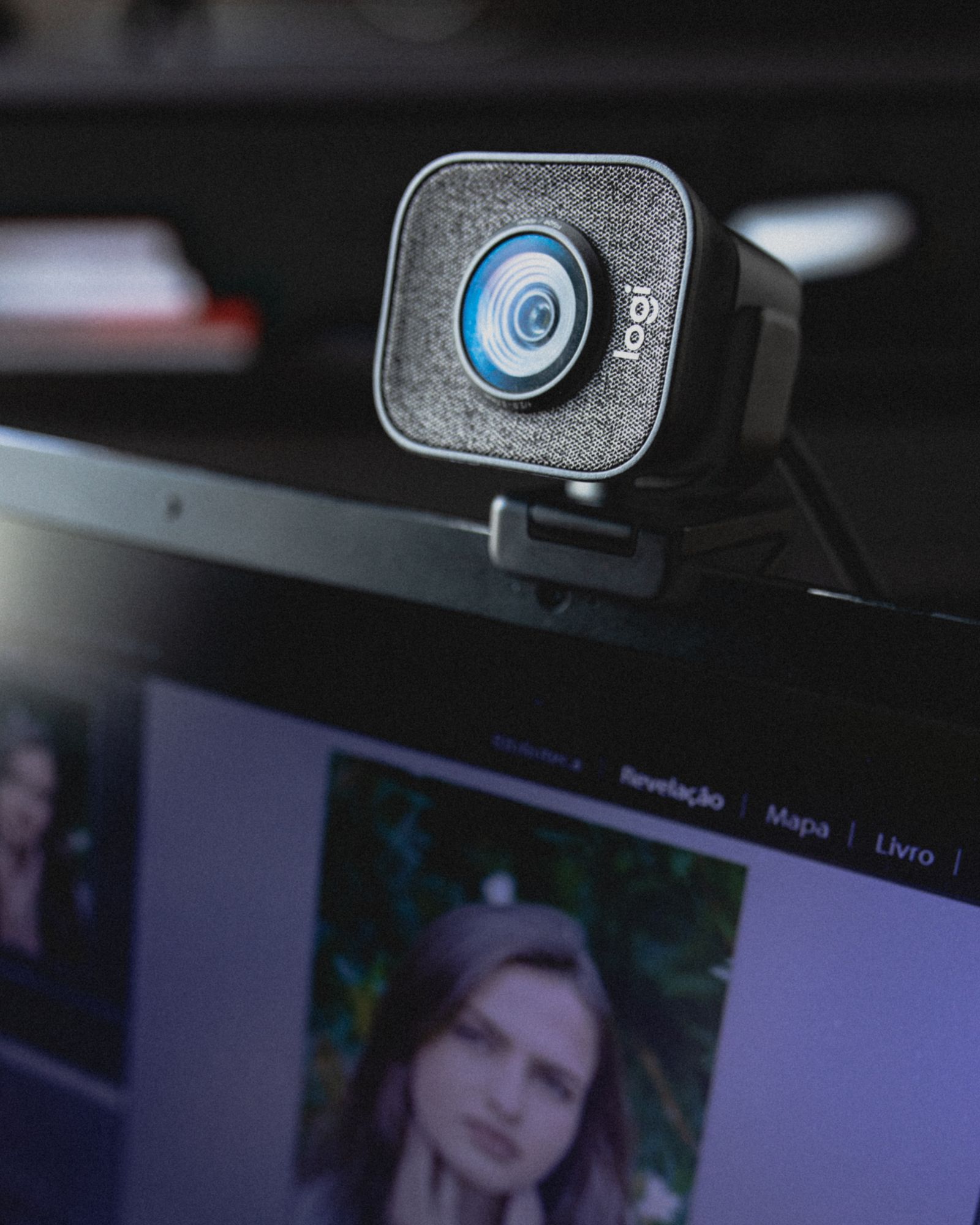
Why does a laptop that cost over a thousand dollars still make you look like a grainy ghost on a video call? The built-in camera is usually the cheapest part in the machine. If you want to look sharper, a separate webcam is the quickest upgrade, and the best webcams cost far less than most people assume.
A note on how this guide works: it is a roundup, not a hands-on review. Specs and prices come from the manufacturers’ own product pages, and the testing context comes from Tom’s Hardware’s webcam testing, which evaluates cameras in well-lit, backlit, and low-light conditions. Prices move often, so check the current listing before buying.
What Makes a Webcam Look Good
Resolution is the number everyone quotes, yet it is rarely the deciding factor. Three things matter more for how you appear on screen:
- Sensor size and lens: A larger sensor collects more light, which cuts grain in dim rooms. A wide aperture helps for the same reason.
- Frame rate: 60 frames per second looks smoother for streaming and gaming, while 30 is fine for meetings.
- Software processing: Auto light correction, framing, and noise reduction can rescue an average sensor, or ruin footage when badly tuned.
Also check the field of view. A narrow 77 to 90 degree lens frames one person nicely, while a wider one captures a whole desk or room.
Best Overall for Most People: Logitech Brio 500
Tom’s Hardware names the Brio 500 its best overall pick. Logitech’s product page lists it at $129.99 with 1080p video, a 90-degree field of view, noise-reducing microphones, and automatic light correction (RightLight 4). It also supports auto-framing through Logitech’s Logi Tune software, which keeps you centered if you shift in your chair. For a home office or a hybrid job, this is the sensible default.
Best Budget Pick: Elgato Facecam Neo
If you only need something clearly better than a laptop camera, the Facecam Neo is the value choice. Elgato lists it at $39.99 for 1080p at 60 frames per second, with a 77-degree field of view, an f/2.0 aperture, and a fixed set of plug-and-play settings you can tweak in its Camera Hub app. Tom’s Hardware, which tested it as its budget pick, quotes a higher street price, so expect the cost to vary by retailer and sale period. It has no built-in tracking or fancy features, which is fine for steady calls.
Best for Creators: Insta360 Link
Creators who move around or switch between a face view and a desk view should look at the Insta360 Link. It records up to 4K at 30 frames per second on a 1/2-inch sensor with a 3-axis gimbal that follows you, and it offers whiteboard, desk, overhead, and vertical portrait modes. Insta360’s page does not list a price, while Tom’s Hardware places it around $300, so confirm the current figure on the store page. It is overkill for plain meetings but handy for tutorials and product demos.
When You Want Maximum Image Quality
At the top end, Tom’s Hardware picks the Razer Kiyo Pro Ultra for image quality, citing a large 1/1.2-inch sensor and 4K at 30 frames per second at roughly $400. Unless you stream professionally, that money is better spent on lighting.
Cheap Upgrades That Beat a Pricier Camera
Before buying anything expensive, try these:
- Face a window or place a soft lamp behind the monitor, not behind you.
- Raise the camera to eye level with a stack of books or a monitor arm.
- Use a good headset, since sound quality shapes impressions on calls as much as video. Our guide to noise-cancelling headphones covers options.
- Clean the lens with a soft cloth.
If you mount the camera on a large external display, our monitor buying guide explains which panels make good desk centerpieces.
FAQs
Do I need a 4K webcam for video calls?
No. Most meeting apps compress video to 720p or 1080p, so a good 1080p camera with a decent sensor and lighting looks as good in practice. 4K mainly helps if you record content or want room to crop in editing.
Is a separate webcam better than a laptop camera?
Usually yes. External webcams generally have larger sensors, better lenses, and positioning flexibility, so they can sit at eye level instead of pointing up your nose. The improvement is most visible in dim rooms.
What is the best webcam resolution for streaming?
1080p at 60 frames per second is a common sweet spot, as it looks smooth and fits within what most streaming platforms and internet connections handle comfortably. Higher resolutions only help if your platform and bandwidth support them.
Do webcams work with both Mac and Windows?
Most do. Elgato lists Facecam Neo support for macOS 13.3 and later and Windows 11 64-bit, for example. Check the compatibility section of the product page, especially for older operating systems.
Should I worry about webcam privacy?
It is sensible to be careful. Use a physical cover or a camera that tilts away when idle, and review which apps have camera permission. The Insta360 Link, for instance, points its lens downward after ten seconds of inactivity.









Discussion about this post