

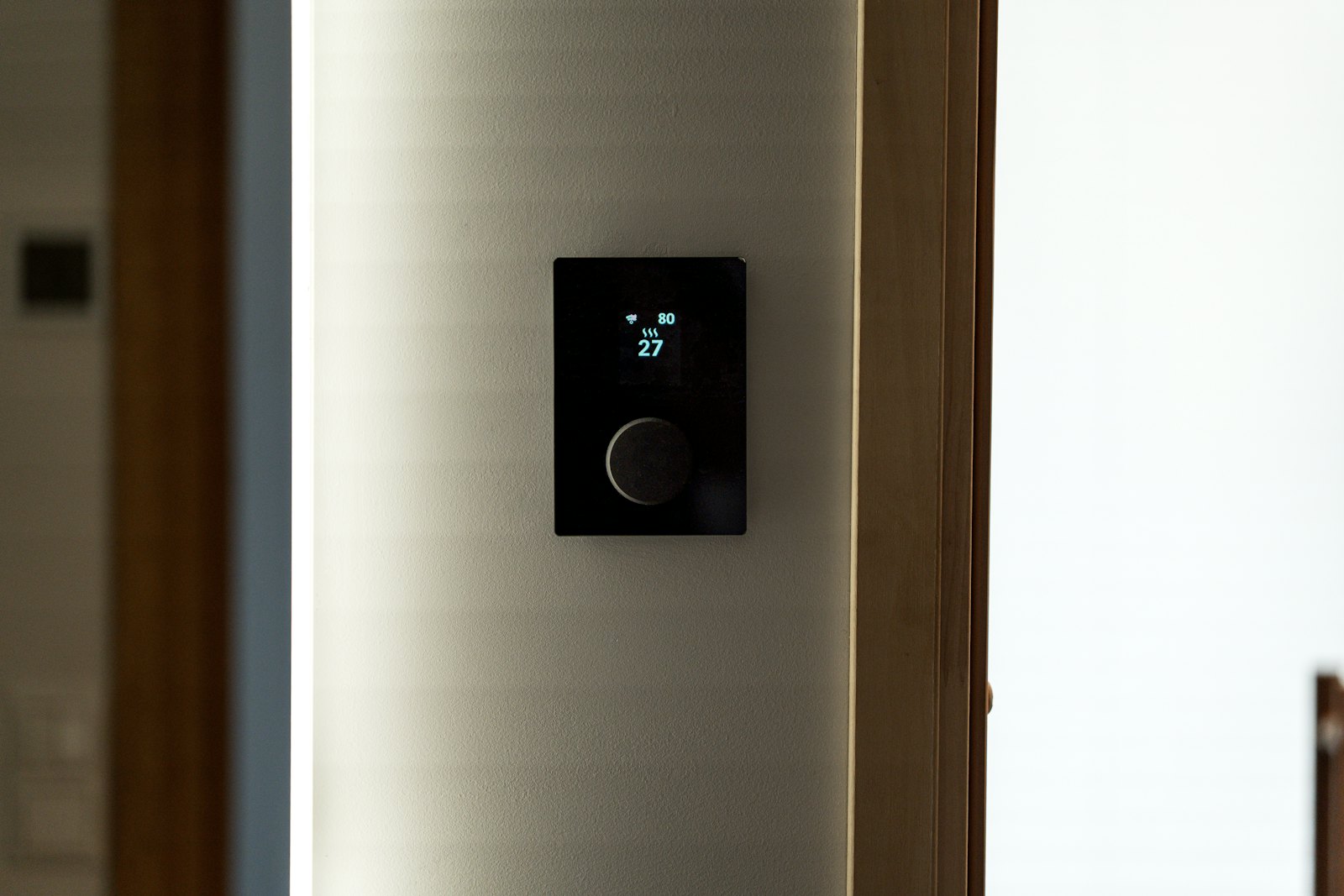
A smart thermostat sounds like a simple upgrade, yet the buying decision comes with a surprisingly long checklist: wiring, sensors, voice assistants, and which smart-home platform your household already uses. This roundup compares the best smart thermostats from the two names most shoppers meet first, Google Nest and ecobee, using the manufacturers’ own product pages. It is a spec-and-features comparison, not a hands-on review, so treat it as a way to narrow your shortlist.
What to Check Before You Pick One
Your wiring and heating system
This is the first filter, and it is where most installs go wrong. Some thermostats need a common wire (the “C wire”) to power their screens and radios. Google says its 4th-generation Nest Learning Thermostat uses Power Sharing so that no C wire is required in most homes, but notes that some systems, including heating-only, cooling-only, zone-controlled, and heat pump setups, require a Nest Power Connector or C wire. Google also states that it works with 85% of systems. Whichever brand you consider, use the maker’s online compatibility checker before ordering.
Your smart-home ecosystem
A thermostat is only convenient if it plays well with the apps you use. Google lists its Nest model as Matter-certified and controlled through the Google Home app. ecobee’s overview page highlights Apple HomeKit support plus other integrations, with Siri or Alexa built in on the Premium model, and also lists Google Assistant and Samsung SmartThings. If you are still sorting out what Matter changes, our guide to the Matter smart home standard explains why it matters when mixing brands.
Room sensors
One thermostat on one wall measures one spot. Remote sensors let it read temperature in the rooms you actually use. Google’s Nest includes one Nest Temperature Sensor (2nd gen) and supports up to six more. ecobee’s Premium includes a SmartSensor, while its Enhanced and Essential models do not.
Google Nest Learning Thermostat (4th Gen)
The Nest is built around automation. According to Google’s product page, it learns your schedule and offers features such as Smart Schedule and Adaptive Eco. Google says it can help save up to 31% on heating and cooling bills, and lists the thermostat as Energy Star certified. The list price shown is $279.99, though Google runs frequent promotions, so check the current price. The trade-off is ecosystem: setup runs through the Google Home app, and Google’s page does not mention Alexa or Apple Home support, so it suits households already living in Google’s world.
ecobee Smart Thermostat Lineup
ecobee sells three tiers, and its smart thermostats page shows the Premium at $259.99, the Enhanced at $199.99, and the Essential at $139.99. The Premium adds an included SmartSensor, a built-in radar occupancy sensor, and a built-in indoor air quality monitor. ecobee cites savings of up to 26% on heating and cooling for the Premium and Enhanced models and up to 23% for the Essential, measured against holding a constant 72°F. All three are listed as Energy Star certified. The wide price range is the main draw: you can pay for sensors and air-quality monitoring or skip them. Check ecobee’s compatibility tool for wiring requirements, since this roundup could not confirm them from the product pages.
How the Options Compare
If you want automatic learning and live in the Google ecosystem, the Nest is the natural pick. If you use HomeKit, Alexa, or a mix of platforms, ecobee’s broader integrations are likely a better fit, and the three-tier lineup lets you set a budget. Savings figures from both companies are marketing estimates measured under their own assumptions, so your real result will depend on your climate, home, and habits.
Smart Thermostats and the Rest of Your Home
A thermostat works best as part of a connected setup rather than a standalone gadget. If you are planning other upgrades, our overview of smart home devices and our comparison of home security cameras can help you keep everything on one platform.
FAQs
Do I need a C wire for a smart thermostat?
Not always. Google says the 4th-generation Nest uses Power Sharing to avoid a C wire in most homes, but certain systems still need a Nest Power Connector or C wire. Use the maker’s compatibility checker for your exact system.
Will a smart thermostat actually save money?
Manufacturers claim savings of up to 31% (Google) and up to 26% (ecobee), but those are best-case figures under specific conditions. Your result depends on your climate, insulation, and how you use the thermostat.
Which is better for Apple users, Nest or ecobee?
ecobee’s page highlights Apple HomeKit support, while Google’s Nest page describes control through the Google Home app and does not mention Apple Home. Apple households will likely find ecobee the easier fit.
Are room sensors worth it?
If your house has rooms that run hotter or colder than the hallway where the thermostat sits, sensors help the system respond to the spaces you occupy. In a small, evenly heated home, they matter less.
Can I install a smart thermostat myself?
Many people do, since the process mostly involves labeling wires and following the app’s guided steps. If your system is unusual or you are unsure about the wiring, hiring an HVAC professional is the safer route.













Discussion about this post