

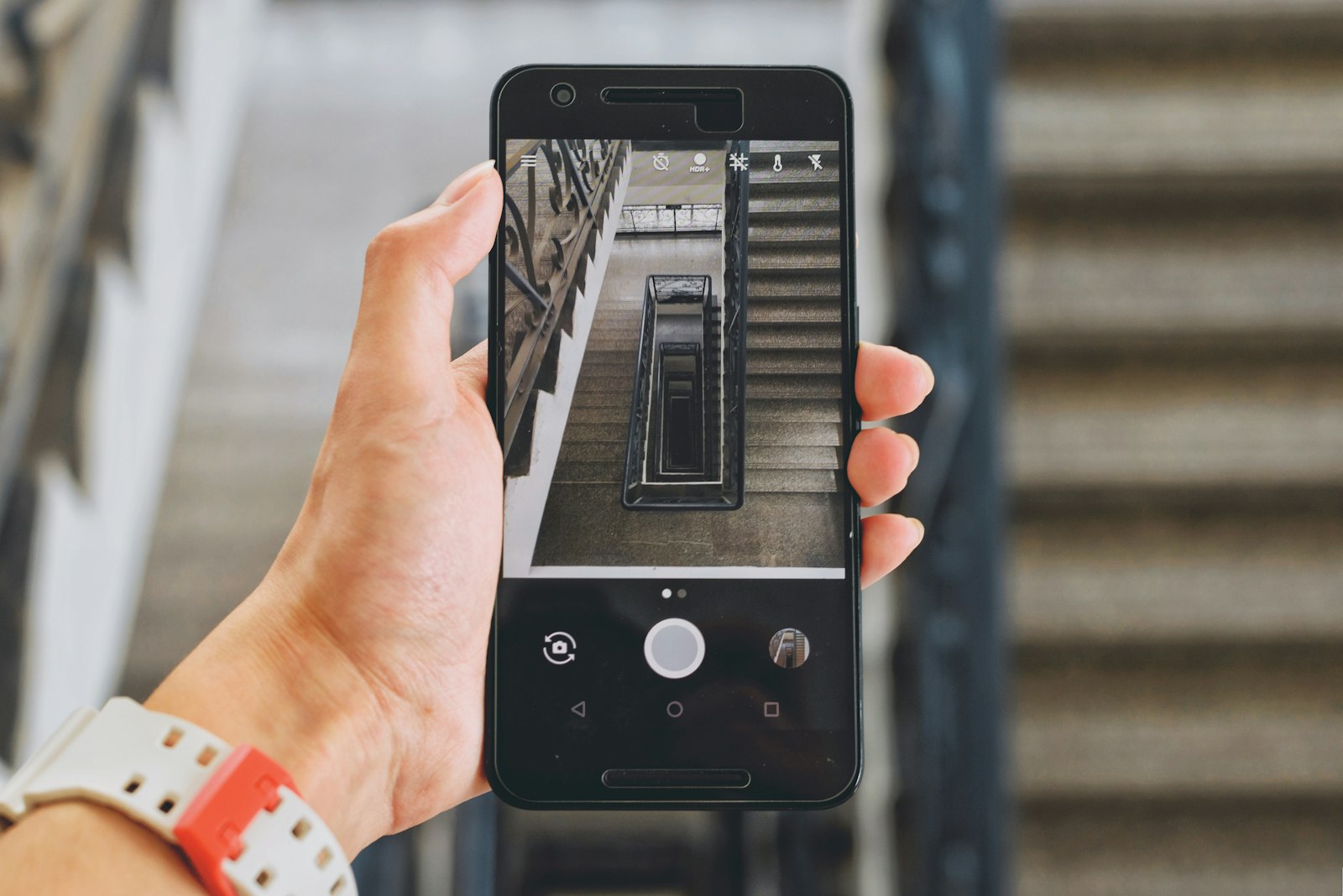
Multimodal AI is the label for models that take in more than one kind of input, such as text plus a photo, a screenshot, or a PDF, and reason about them together. Early chatbots only understood typed words. Today you can snap a picture of a confusing error message, a restaurant menu in another language, or a handwritten recipe, and ask a question about it in plain English. That shift from words-only to words-plus-pictures is the whole story behind the term.
This guide covers what “multimodal” really means, how the models are built at a high level, what current tools accept, and the limits worth knowing before you trust an answer.
What “Modality” Means
A modality is simply a type of data: text, images, audio, video, or documents. A text-only model has one modality. A multimodal model handles at least two, and some handle several at once. The useful part is not that a tool can accept a file upload, but that the model relates the file to your question. Ask “why is this chart’s second bar so short?” and a multimodal model reads the chart and your words as one problem.
It helps to separate two directions. Multimodal input means the model can understand things like photos or audio. Multimodal output means it can produce them, such as generating or editing an image. Many products blend the two, but they are different capabilities, and a model that understands pictures well is not automatically good at drawing them.
How These Models Are Built, in Plain Terms
Large language models work on small chunks of text called tokens, a process covered in our guide to how large language models work. The core trick for multimodal systems is to turn other kinds of data into a similar internal format. An image gets split into small patches, each patch is converted into numbers the model can process, and those numbers sit alongside the text tokens in the same context. From the model’s point of view, your photo and your question become one long sequence to make sense of.
Anthropic’s documentation gives a concrete sense of the cost. Its vision guide says an image costs ⌈width / 28⌉ × ⌈height / 28⌉ visual tokens, so a bigger picture uses more of the model’s working memory. OpenAI’s image guide describes a similar patch-based approach, with a cap of 30,000 patches per image and a note that oversized images are rejected rather than quietly shrunk. These are engineering details, but they explain why uploading ten large photos can crowd out the rest of your prompt.
What Current Tools Accept
Exact limits change often, so treat the following as a snapshot and check the live documentation before building anything on it.
According to Anthropic’s vision documentation, Claude accepts JPEG, PNG, GIF, and WebP images, and animated files are not supported, with only the first frame used. Requests on claude.ai are limited to 20 images per message, and the API allows more depending on the model.
According to OpenAI’s image and vision guide, its models accept PNG, JPEG, WEBP, and non-animated GIF files, supplied as a URL, a Base64 data URL, or a file ID. The same page describes separate image-generation models that can create or edit pictures from text and image inputs.
Google presents its Gemini family as handling several media types, and its Gemini model page lists audio, video generation, and image creation among the products built around the models. The page is a product overview rather than a technical spec, so developers should consult Google’s API documentation for exact input rules.
Everyday Uses That Work Well
- Reading screenshots: pasting an error dialog or settings screen and asking what to click next.
- Making sense of documents: pulling a total from a scanned receipt or summarizing a multi-page PDF with tables.
- Explaining charts: describing a trend in a graph you did not build yourself.
- Translation on the spot: reading signs, menus, and labels in another language.
- Accessibility: describing a photo for someone who cannot see it clearly.
On phones, some of this runs locally rather than in the cloud, which ties into the trade-offs in our piece on on-device AI. The chips that make that practical are covered in our explainer on GPUs and NPUs.
Where Multimodal AI Still Slips
Seeing is not the same as understanding, and the vendors say so themselves. Anthropic’s documentation lists several limits: the model may hallucinate or make mistakes with low-quality, rotated, or very small images under 200 pixels; it can give approximate object counts that are not always exact; it cannot reliably tell whether an image is AI-generated; it refuses to name people in images; and it is not designed to interpret complex diagnostic scans such as CTs or MRIs.
The counting and small-detail problems matter most in daily use. If you ask how many items are on a shelf or what a tiny line of print says, verify the result. The broader reliability problem, where a model states something confidently that is wrong, is explored in our guide to AI hallucinations, and it applies to images as much as to text.
Practical Tips for Better Results
Use clear, well-lit images and crop to the part that matters. Ask one specific question rather than “what is this?” If the answer drives a decision involving money, health, or safety, treat the model as a first pass and confirm with the original source. Also remember that anything you upload leaves your device unless the tool states it is processing locally, so avoid sharing documents with personal data you would not email to a stranger.
FAQs
What is multimodal AI in simple terms?
It is AI that can work with more than one type of information at once, such as text and images together. Instead of only reading your typed question, it can also look at a photo or document you provide and answer questions about both.
Is multimodal AI the same as a chatbot that can generate images?
Not exactly. Understanding an image and creating one are separate abilities. Some products combine both, but a model that reads pictures well may rely on a different system to produce them.
Can multimodal AI read handwriting and screenshots?
Often yes, especially with clear, large text. Quality drops with blurry, rotated, or very small images, so check important details such as names, numbers, and dates against the original.
Does it work with video and audio too?
Some tools do, but support varies by product and model. Image support is the most widely documented, so read the current documentation of the specific tool you plan to use for audio or video limits.
Is it safe to upload private documents?
That depends on the service and its data policy. Check whether files are stored or used for training, and avoid uploading sensitive records such as IDs or medical scans unless you are comfortable with the provider’s terms.







Discussion about this post