

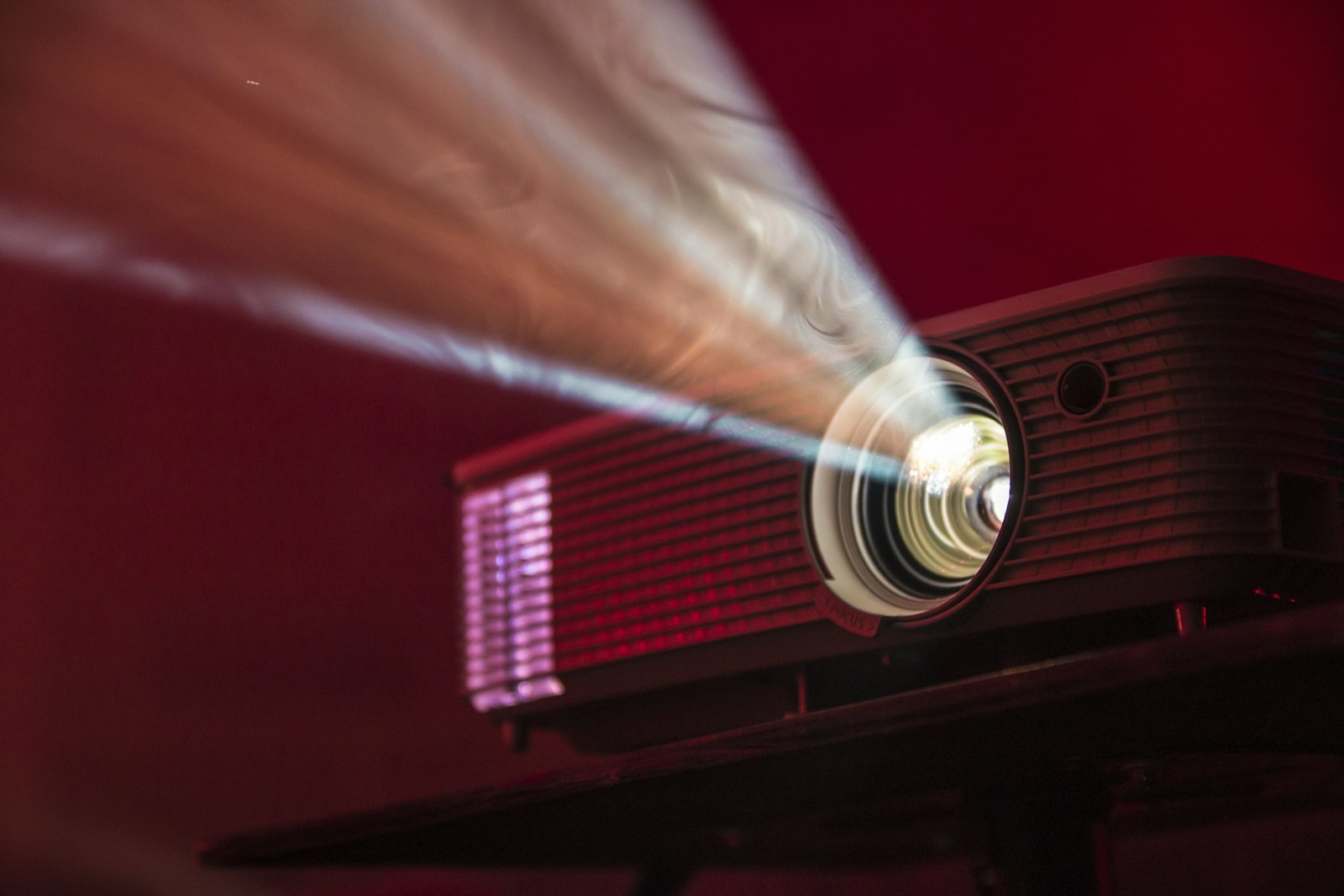
Why does a projector that looked stunning in the store sometimes produce a washed-out picture in your living room? Usually the problem is not the projector; it is a mismatch between the model, the room, and the way you plan to use it. This projector buying guide walks through the specs that decide that match, so you can ignore the marketing noise.
The main variables are brightness, throw distance, resolution, and the light source inside the box. Get those four right and most other decisions get easier.
Start With the Room, Not the Projector
Before comparing models, answer three questions. Can you make the room dark? How far will the projector sit from the screen or wall? And how large do you want the picture to be? A basement media room with blackout curtains and a bright, sunlit living room need very different projectors, even if the same person is watching in both.
Brightness: What Lumens Mean
Brightness is measured in lumens, and the figure to look for is ANSI lumens. ViewSonic’s explainer on what lumens are and how to choose a projector notes that ANSI lumens are an industry standard tested with a consistent method, which makes them more reliable for comparing brands than a generic “lumens” claim on a box.
The same guide offers rough home-use guidance: models under about 3,000 ANSI lumens can be enough for daily home use and an image around 80 inches, but only if you control ambient light closely, while projectors above 3,000 ANSI lumens are less sensitive to room lighting and better for larger images. LG’s projector selection guide gives similar advice, suggesting at least 3,000 ANSI lumens for a room with ambient or indirect light.
More is not automatically better. In a dark room, a very bright projector can feel harsh, so match brightness to your actual lighting rather than buying the biggest number.
Throw Distance and Throw Ratio
Throw ratio describes how far the projector must sit from the screen to create a given image size. LG describes it as the distance divided by the image size. A short-throw model sits only a few feet from the wall, which suits small rooms and avoids people casting shadows as they walk past, while a standard-throw model needs more space. LG places short-throw projectors at roughly 3 to 8 feet from the screen.
Check the manufacturer’s throw chart for the model you are considering and measure your room before buying. Features like zoom and lens shift add flexibility, because they let you adjust the picture without moving the projector itself.
Resolution
Projectors have a fixed native resolution. The two common tiers are Full HD, at 1920 by 1080, and 4K, at 3840 by 2160. Sharper is better for large screens, text, and gaming, but a well-calibrated Full HD projector with strong brightness and contrast can look better than a weak 4K model. Watch for wording such as “4K supported” or “4K input,” which can mean the projector accepts a 4K signal but does not display native 4K detail. Look for the native resolution in the specification table.
Lamp, LED, or Laser
The light source affects lifespan, brightness, color, and cost. LG’s guide lists the trade-offs this way: LED projectors can last roughly 30,000 hours, are compact and portable, and need little upkeep beyond cleaning a filter; laser projectors last about 20,000 hours, reproduce color well, generally reach higher brightness, and cost more. ViewSonic adds that lamp projectors typically start around 2,000 ANSI lumens and dim over time, which means they may need replacement lamps eventually. Treat these figures as guidance from those brands, and check each product’s own rating.
Other Features Worth Checking
- Connections. Look for HDMI inputs, and check whether you need a streaming stick. Our streaming devices roundup can help you choose one.
- Smart features. Built-in apps are convenient, but an external streamer often gets updates for longer.
- Keystone and focus. Automatic correction makes setup easier, though aligning the projector squarely with the screen gives the cleanest image.
- Noise. Fan noise matters in quiet scenes, so look for reviews that comment on it.
- Audio. Built-in speakers are usually modest, so budget for a soundbar or speakers if you want cinematic sound.
- Input lag. If you will game, check the manufacturer’s stated response time.
Projector or Big Screen?
A projector excels at size, delivering a cinema-like picture on a wall at a price that large TVs rarely match. A television or monitor wins in bright rooms, for sharper contrast, and for everyday convenience. If you mostly work at a desk, our monitor buying guide may be the better starting point.
A Simple Checklist
- Decide whether the room can be made dark.
- Measure the distance from projector to screen.
- Pick brightness in ANSI lumens to match your lighting.
- Confirm native resolution and the light source.
- Plan for sound, streaming, and mounting.
FAQs
How many lumens do I need for a home projector?
It depends on your room. Guidance from ViewSonic and LG suggests that rooms with some ambient light benefit from roughly 3,000 ANSI lumens or more, while a properly darkened room can get by with less.
What is the difference between lumens and ANSI lumens?
ANSI lumens are measured with a standardized method, so they are the more dependable figure for comparing projectors. A generic lumens number may use looser testing.
Do I need a short-throw projector?
Only if your room is small or you want the projector close to the wall. Short-throw models make a large image from just a few feet away, while standard-throw models need more distance.
Is a laser projector better than an LED or lamp model?
Laser models generally offer higher brightness and strong color but cost more. LED models are compact and long-lasting, and lamp models are often cheaper but dim over time and may need replacement.
Can a projector replace a TV?
For movie nights in a controllable room, yes. For daytime viewing in a bright space, a TV usually gives a better picture with less setup.









Discussion about this post