

Many people assume IPv6 is a faster version of the internet, something to switch on for better speeds. It is not. IPv6 is an addressing system, a new way of labeling every device on the network, and its main selling point is that there are far more labels to hand out. Whether your streaming gets faster has little to do with it.
If you have seen a long string of letters and colons in your router settings and wondered what it was, this guide explains what IPv6 is, why it exists, and whether you need to do anything about it.
What an IP Address Does
Every device that talks over the internet needs an address so data knows where to go, much like a postal address for a house. The older system, IPv4, uses 32-bit addresses written as four numbers, for example 192.0.2.128. That format allows roughly 4.3 billion unique addresses, according to Wikipedia’s IPv6 article.
Four billion sounded enormous when the system was designed. Then came laptops, smartphones, tablets, smart TVs, cameras, thermostats, and watches, many people owning several of each. The pool of unassigned IPv4 addresses ran short, and networks adopted workarounds to stretch what was left. The most familiar is network address translation, which lets many devices in one home share a single public address.
How IPv6 Fixes the Shortage
IPv6 uses 128-bit addresses instead of 32-bit ones. The same Wikipedia article puts the total at approximately 3.4×1038 addresses, a number so large that running out is not a practical concern. The main advantage of IPv6 over IPv4, in the article’s words, is its larger address space.
The format also looks different. IPv6 addresses are written as eight groups of four hexadecimal digits separated by colons, and long runs of zeros can be shortened. For instance, 2001:0db8:0000:0000:0000:8a2e:0370:7334 can be written as 2001:db8::8a2e:370:7334. Hexadecimal means each position can be a digit from 0 to 9 or a letter from a to f, which is why addresses contain letters.
IPv4 and IPv6 Run Side by Side
You cannot flip the whole internet over in one day. IPv6 is not backward-compatible with IPv4, and the two do not interoperate directly. Wikipedia notes that IPv6 is not expected to replace IPv4 instantly, and that both protocols will operate simultaneously for some time.
The usual bridge is called dual-stack. A device or network runs both protocols and uses whichever one the destination supports. The same source mentions that the IETF published an approach called Happy Eyeballs to help dual-stack software prefer an IPv6 connection when one is available while still falling back smoothly if it is not. Other transition methods wrap one protocol inside the other, which the article calls an imperfect solution.
In practice, you rarely notice any of this. Your internet provider, router, and phone negotiate it in the background, and websites reachable on either protocol simply load.
How Widely Is IPv6 Used?
Google publishes an ongoing measurement of the share of its users who reach its services over IPv6. Its IPv6 statistics page describes continuously measuring IPv6 availability among Google users and graphs the percentage over time, including country-level data. The figure moves, so check the live chart instead of relying on a number printed in an article. It is a measure of one company’s audience rather than the entire internet, but it is a widely used yardstick.
Is IPv6 Faster or Safer?
Neither claim holds up as a general rule. IPv6 packet headers are larger than IPv4’s, and the reference article observes that some devices handle IPv6 in software, which can slow packet processing on weak hardware. On security, fragmentation behavior can still be abused to evade network controls, much as with IPv4. Some setups gain a modest benefit from avoiding address translation, and direct connections can simplify certain applications. But “switch to IPv6 for speed” is not sound advice.
Privacy and security still depend on the basics: updated devices, a properly configured firewall, and strong account protection. Our guides to HTTPS and DNS cover two other layers that protect and direct your traffic whichever address type is in use.
What You Can Do
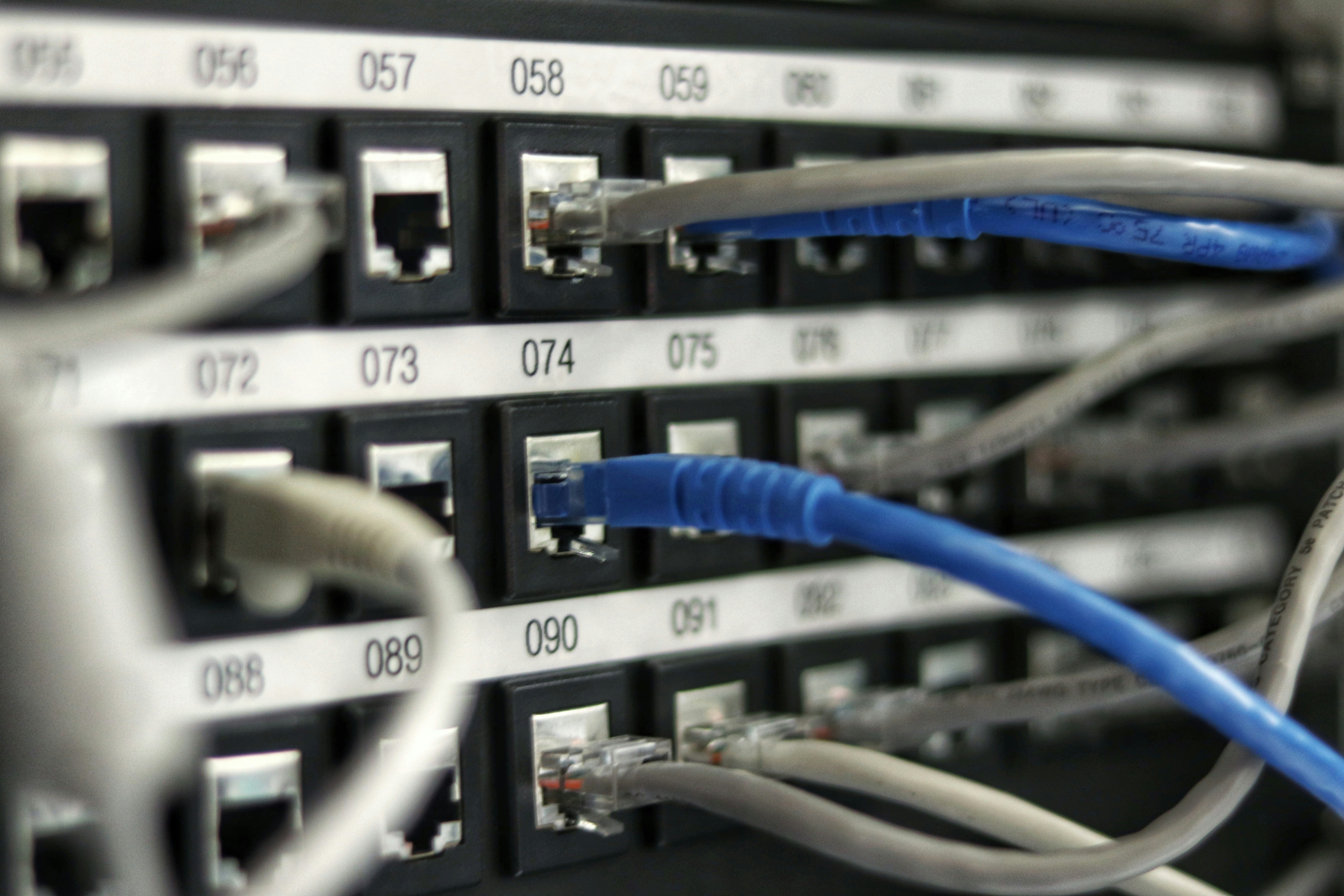
- Check your router. Many modern routers already support IPv6, and some enable it by default. Your provider’s setup page or the router’s status screen usually shows whether an IPv6 address is assigned.
- Update firmware. Older router software may handle IPv6 poorly. A newer standard such as the one in our Wi-Fi 7 explainer is a separate topic, but both benefit from current firmware.
- Do not disable it casually. Turning off IPv6 to fix a problem can cause others on networks that prefer it. Test one change at a time.
- Leave the rest alone. If everything works, there is nothing to configure.
FAQs
What is the difference between IPv4 and IPv6?
IPv4 uses 32-bit addresses, which allows about 4.3 billion unique addresses. IPv6 uses 128-bit addresses, which allows a vastly larger number, and it writes them as hexadecimal groups separated by colons instead of four decimal numbers.
Why are we running out of IPv4 addresses?
The pool of 32-bit addresses is finite, and the number of internet-connected devices grew far beyond what the original design anticipated. Address sharing techniques extended its life, but they do not create new addresses.
Do I need to switch to IPv6 myself?
Usually not. Your internet provider and router handle the transition, and most devices support both protocols automatically. You only need to act if a specific service or setup requires it.
Is IPv6 more secure than IPv4?
Not by itself. Both protocols can be secured or misconfigured. Firewalls, updates, and good account habits matter far more than which address type a connection uses.
Will IPv4 stop working?
There is no sign of a sudden cutoff. The two protocols are expected to coexist for a long time through dual-stack and translation methods, so IPv4-only sites and devices continue to work for now.




Discussion about this post