


Microsoft’s official minimum for Windows 11 is 4 GB of RAM and a 64 GB drive. Those figures describe a machine that can start up, not one you would want to use every day, and the gap between “meets the requirements” and “feels good” is exactly where most laptop shopping goes wrong. This laptop buying guide skips brand rankings, which change constantly, and focuses on which specs deserve your money and which are mostly noise.
Start With How You Use It
Decide on your heaviest regular task before you look at a single model. Web browsing, documents, and video calls need far less than photo editing, video work, or modern games. Write down the most demanding thing you do weekly, and shop for that rather than for the biggest number on the page. Paying for headroom you never use is the most common overspend.
Memory (RAM): Where to Be Generous
Windows 11’s baseline, per Microsoft’s specifications page, is 4 GB, but that is a floor for compatibility. Modern browsers with many tabs, chat apps, and cloud sync tools eat memory quickly. Treat the bare minimum as a warning sign, aim well above it for general use, and go higher if you edit media or run heavy software. Check whether the memory is soldered to the board, because many thin laptops cannot be upgraded later. If so, buy the amount you will want in three years, not today.
Storage: Capacity and Speed
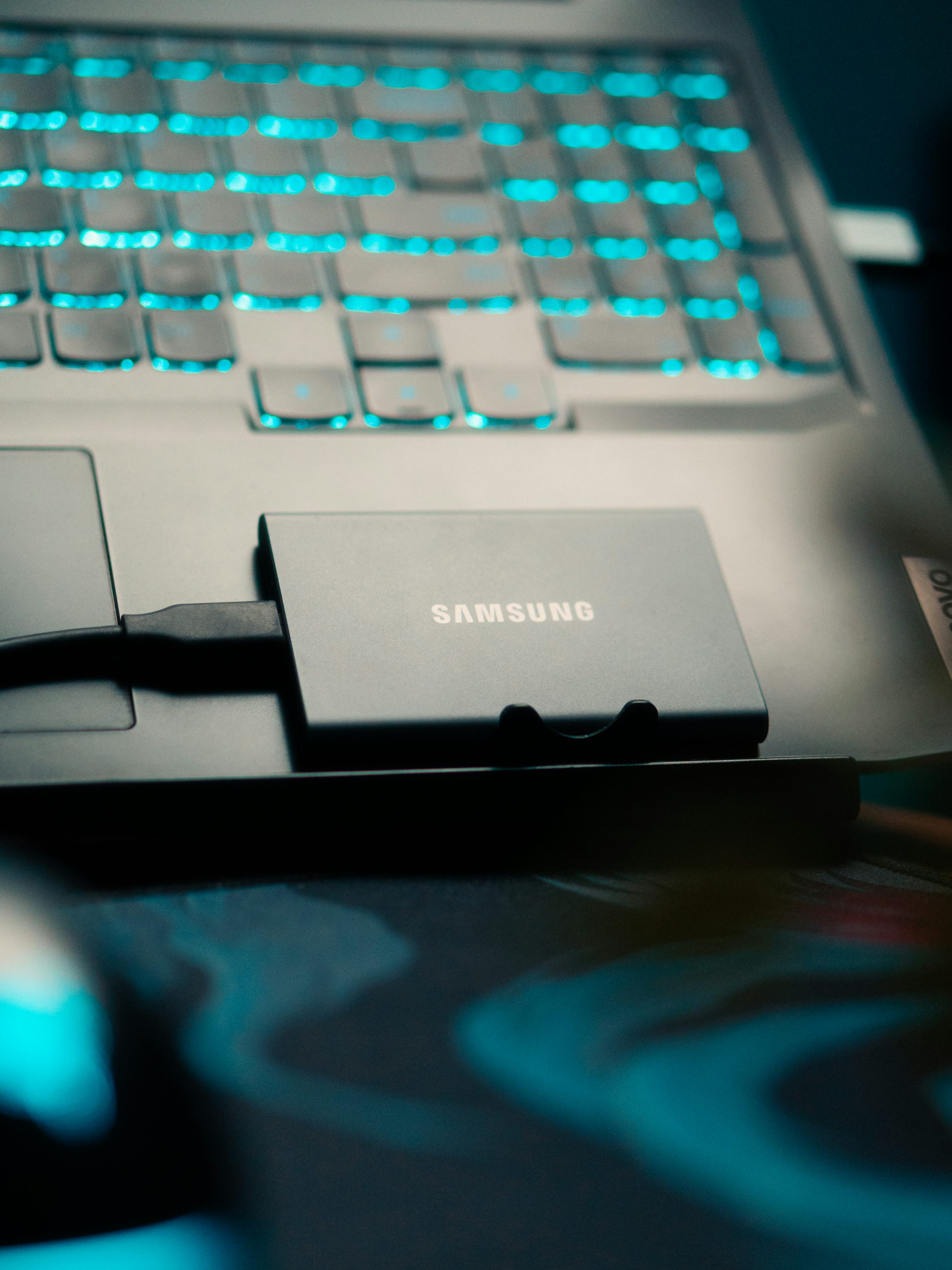
Microsoft lists 64 GB as the Windows 11 minimum, which leaves little room once apps, updates, and files arrive. Look for a solid-state drive rather than a spinning disk, and give yourself plenty of space, since running a drive nearly full can slow things down. External storage is a flexible backup plan, and our portable SSD buying guide explains what to look for if you go that route.
The Processor: Match It to the Task
Processor names are confusing on purpose, with generations, tiers, and suffixes that rarely map neatly to real-world feel. Rather than memorizing model numbers, compare independent benchmarks and reviews for the specific chip, and pay attention to efficiency, because that drives battery life and fan noise. Newer laptops also add a neural processing unit for on-device AI features. Whether that matters to you depends on the software you use, and we explain the difference in our guide to what CPUs, GPUs, and NPUs do.
The Screen: What You Will Look at All Day
A display is easy to overlook and hard to live with if it is poor. Consider these points:
- Resolution and size. Full HD is fine on a small screen, while larger panels benefit from sharper resolution.
- Brightness. A dim panel is hard to use near windows or outdoors.
- Aspect ratio. Taller screens show more of a document or web page.
- Panel type. OLED offers deep contrast but can cost more, while good LCD panels remain a solid value.
If you will connect an external display at a desk, our monitor buying guide covers the specs worth checking there.
Battery, Weight, and Ports
Battery claims on spec sheets usually reflect light, ideal use, so read independent testing for realistic hours. Weight matters more than most people expect if you carry the laptop daily. Check the ports you rely on, such as USB-C, HDMI, or an SD card slot, since adapters add clutter. If you are also weighing a touchscreen device, our tablet buying guide helps you decide whether a laptop is what you need at all.
Spec-Sheet Traps to Avoid
- Chasing the highest clock speed instead of overall performance.
- Assuming more cores always means a faster experience for everyday tasks.
- Ignoring the cooling design, which affects how long performance lasts under load.
- Buying on a sale price without checking the exact configuration, since the same model name can ship with very different parts.
FAQs
How much RAM do I need in a laptop?
Microsoft’s Windows 11 minimum is 4 GB, but that is only enough to run the system. For comfortable daily use with many browser tabs, plan on noticeably more, and more still for media editing or development work.
Is an SSD better than a hard drive in a laptop?
For most buyers, yes. Solid-state drives are faster and more responsive in daily use, and they are standard in most current laptops.
Should I buy a laptop with an NPU for AI features?
Only if you use software that takes advantage of it. For general work, a strong processor, enough memory, and a good screen matter more than an AI label.
Can I upgrade a laptop later?
It depends on the model. Many thin laptops solder the memory to the board and some also limit storage upgrades, so check the specifications before you buy.











Discussion about this post