

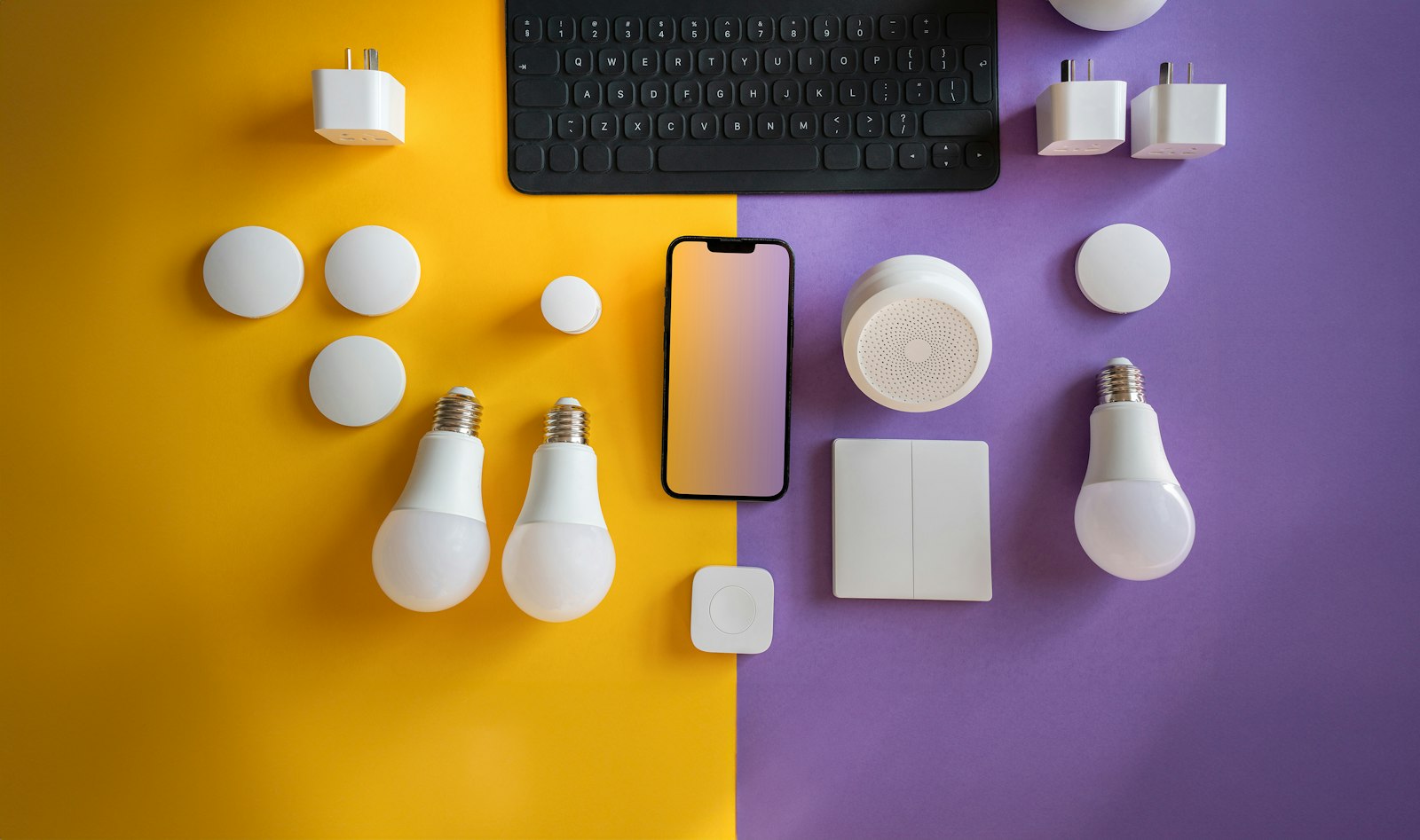
You bring home a smart bulb, scan the box, and discover it only works with an app from a brand you do not use. Then you find out your speaker talks to a different set of devices than your phone does. That frustration is exactly what the Matter smart home standard was created to reduce. Instead of every manufacturer building a private language, Matter gives compatible devices a shared one.
Here is what Matter is, how it connects devices, and what is worth checking before you buy anything with the logo on the box.
What Matter Is
Matter is an industry standard from the Connectivity Standards Alliance, the group that also oversees technologies like Zigbee. The alliance describes Matter as a single protocol for connecting compatible devices and systems with one another. Voice assistants and smart home platforms from Amazon, Apple, Google, and Samsung SmartThings are all part of the picture, which is the point: a Matter device is meant to work across those ecosystems rather than being locked to one.
In practice, that means a certified smart plug or light bulb should be usable with whichever platform you already own. You are not supposed to choose a device first and a platform second. The standard also lets one device be shared across more than one ecosystem at a time, so a household where one person uses an iPhone and another uses an Android phone can control the same lights.
How Matter Devices Connect
Matter is not a new radio. It is a layer that sits on top of existing networking technologies. According to the alliance, the first specification release runs on Wi-Fi and Thread network layers, with Bluetooth Low Energy used for setup, a step called commissioning.
Wi-Fi will be familiar: it suits devices that plug into a wall and need decent bandwidth, such as cameras or plugs. Thread is a low-power mesh networking technology designed for small battery-powered gadgets like sensors and locks. Thread devices talk to each other and relay messages, and they reach the rest of your home through a Thread border router, a role that some speakers, displays, and routers can play. If you plan a larger setup, strong home Wi-Fi still matters, and our roundup of mesh Wi-Fi systems and the explainer on Wi-Fi 7 help with that side of the equation.
Why Local Control Matters
The alliance lists responsive local connectivity among the reliability benefits of Matter. The idea is that commands between your phone and a compatible device can travel across your home network rather than detouring through a company’s servers. That tends to make lights respond faster, and it can mean basic controls keep working during an internet outage. Whether a specific product delivers that depends on how the manufacturer built it, so treat it as a design goal of the standard rather than a guarantee for every gadget.
Setting Up a Matter Device
The setup flow is intentionally simple. You open your preferred smart home app, choose to add a device, and scan the Matter code on the product or its packaging. Bluetooth handles the initial handshake, then the device joins your Wi-Fi or Thread network. To use the same device with a second platform, most apps offer a “share” option that generates a new pairing code.
Setup quirks vary by app, and early versions of any standard can have rough edges, so it helps to update your phone, hub, and speakers before you start.
What to Check Before You Buy
- Look for the Matter logo. Certified products are listed in the alliance’s product directory, which is worth checking if a box is vague.
- Confirm the network type. Thread devices need a border router in your home. If you do not have one, check whether your existing speaker or display can serve as one.
- Check which device categories are supported by your platform. Matter has grown in stages, and a platform may support some device types before others.
- Do not discard your hub yet. Older Zigbee or Z-Wave devices may need a bridge to join a Matter setup, and some features may remain available only in a manufacturer’s own app.
For a broader view of what to put in a connected home in the first place, our guide to smart home devices walks through the common categories.
FAQs
Do I need a special hub to use Matter?
Not always. Wi-Fi-based Matter devices can often be added directly from your phone and home network. Thread devices need a Thread border router, which some speakers, displays, and routers include.
Will Matter work with both iPhone and Android?
That is the intent. The standard is supported by platforms from Apple, Google, Amazon, and Samsung, and a single device can be shared across ecosystems, so mixed households are a primary use case.
Are my existing smart devices compatible with Matter?
It depends on the product. Some manufacturers have added Matter support through firmware updates, while others have not. Check the maker’s support page or use a bridge that exposes older devices to your platform.
Does Matter replace Wi-Fi, Zigbee, or Thread?
No. Matter is an application layer that runs over networks like Wi-Fi and Thread. It changes how devices describe themselves and talk to each other, not the radios they use.












Discussion about this post