

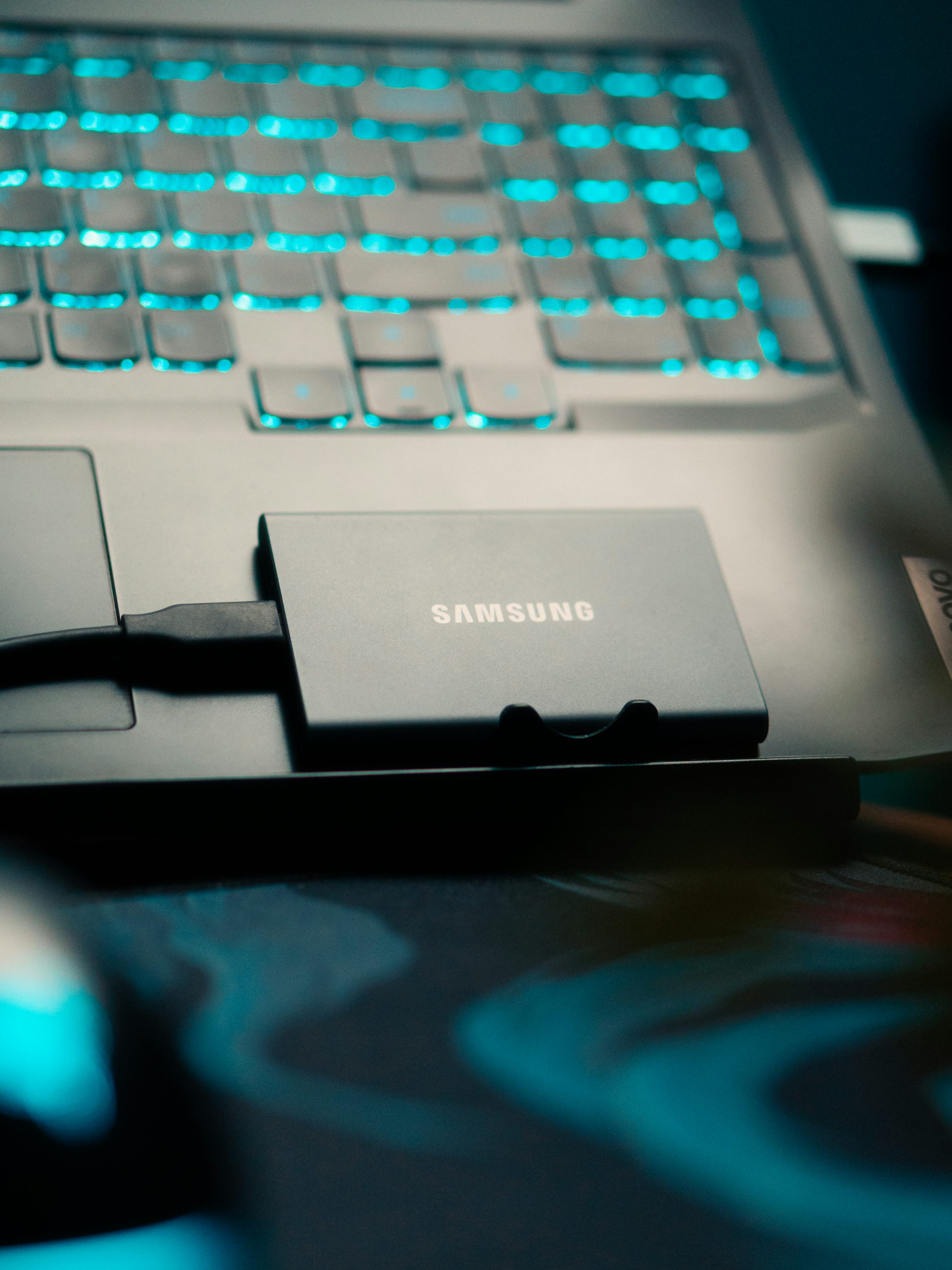
Your phone says 200 photos won’t fit, your laptop’s internal drive is down to single-digit gigabytes free, and the video files from a weekend shoot are sitting on a memory card you need to reuse tomorrow. A portable SSD solves all three problems at once, but the category has split into tiers that look similar on a store shelf and perform very differently once you plug one in.
Why Portable SSDs Replaced External Hard Drives
Spinning external hard drives still exist and remain cheaper per terabyte, but portable SSDs have taken over the mainstream buying-guide conversation for good reason: no moving parts means no risk of a dropped drive suffering physical head-crash damage, meaningfully faster transfer speeds, and a smaller, lighter form factor that fits in a pocket rather than a bag. The tradeoff is cost per gigabyte, which remains higher on SSDs, though the gap has narrowed enough that for anyone regularly moving files rather than archiving them long-term in cold storage, an SSD is the more practical default now.
The Speed Number That Matters Most
Sequential read/write speed, usually listed in MB/s, is the headline spec, but it only tells the full story alongside the interface it’s paired with. Samsung’s T9 portable SSD and SanDisk’s Extreme Portable SSD V3 both advertise up to 2,000MB/s over USB 3.2 Gen 2×2 or USB-C, fast enough to transfer roughly 1,000 high-resolution photos in under a minute according to SanDisk’s own figures. Drives built around the newer USB4 or Thunderbolt interfaces push considerably higher, but only if the laptop or phone on the other end of the cable supports that same interface at full speed — plugging a USB4 drive into an older USB-C port caps performance at whatever that port supports, not the drive’s rated maximum.
Durability Ratings Are Not All Equal
An IP rating and a drop rating measure two different things, and buying guides sometimes blur them together. SanDisk’s Extreme Portable SSD V3 carries an IP65 rating, meaning it’s protected against dust ingress and low-pressure water jets, plus a 3-meter drop rating. Samsung’s T9 is rated to survive drops from up to 9.8 feet. Neither number means a drive is indestructible — both are lab-tested thresholds under specific conditions, not a guarantee against every real-world accident — but they’re a genuinely useful way to compare how much abuse two similarly priced drives are built to tolerate.
What to Check Before You Buy
Match the interface to your devices first: a phone or tablet that only supports USB-C at older, slower speeds won’t benefit from paying extra for a USB4 drive. Buy more capacity than your current need, since video files and high-resolution photo libraries grow faster than most people expect, and a full drive with no easy upgrade path is a common regret. Check whether the drive includes hardware encryption if you’ll be carrying sensitive files, since software-only encryption adds a performance cost that a built-in AES engine avoids. And treat the advertised top speed as a ceiling, not an average, since real-world performance dips as a drive fills up and varies by file size, with lots of small files typically transferring slower than one large file of the same total size.
Pairing a Drive With the Rest of Your Setup
A portable SSD is most useful alongside the other hardware it’s meant to offload from — video shot on a phone, RAW photos from a dedicated camera, or backups from a primary machine that’s running low on internal storage. If you’re weighing what else belongs in a travel or work setup, our monitor buying guide and mechanical keyboard buying guide cover the other hardware decisions that tend to come up around the same time as a storage upgrade.
FAQs
Is a portable SSD better than an external hard drive?
For most people moving files regularly, yes. Portable SSDs have no moving parts, so they’re more resistant to drop damage, transfer files significantly faster, and are smaller and lighter. Traditional external hard drives remain cheaper per terabyte and still make sense for large, infrequently accessed archival backups where speed and portability matter less than raw storage cost.
Does USB4 make a portable SSD faster than USB-C?
USB4 and Thunderbolt-based drives can reach higher top speeds than standard USB 3.2 drives, but only when connected to a port on the other device that also supports the same interface at full speed. Plugging a USB4 drive into an older or slower USB-C port limits performance to whatever that port supports, not the drive’s rated maximum.
What does an IP65 rating mean on a portable SSD?
An IP65 rating means the drive is fully protected against dust ingress and can withstand low-pressure water jets from any direction, though it’s not the same as being fully submersible. It’s a useful comparison point between drives, but not a guarantee against damage from deep or prolonged water exposure.
How much storage capacity do I need?
It depends heavily on what you’re storing: a 500GB or 1TB drive comfortably handles most photo libraries and document backups, while video editors and anyone shooting in RAW or 4K footage typically outgrow 1TB quickly and are better served starting at 2TB or higher.
Do portable SSDs need to be reformatted for Mac or Windows?
Many portable SSDs ship pre-formatted in exFAT, which both Mac and Windows can read and write to natively without reformatting, making them cross-platform out of the box. If a drive ships formatted for only one operating system, reformatting to exFAT is usually a quick fix, though it will erase any data already on the drive.











Discussion about this post