


Ever notice your router box switched from proudly advertising “Wi-Fi 6E” to “Wi-Fi 7” in just a couple of years, with no real explanation of what changed in between? You’re not imagining the pace. Wi-Fi 7 is now standard on new routers, laptops, and flagship phones, and unlike some past Wi-Fi generations, it isn’t just a modest speed bump wrapped in new marketing.
What Changed With This Generation
Wi-Fi 7, formally IEEE 802.11be, is the wireless standard that follows Wi-Fi 6 and Wi-Fi 6E. The Wi-Fi Alliance, the industry group that certifies and names Wi-Fi generations, officially certifies compliant routers and devices under the name Wi-Fi CERTIFIED 7. Like every generation before it, the point isn’t a single new feature; it’s a bundle of technical changes that, together, move real-world performance forward.
The Two Changes That Matter Most
Two features do most of the work. The first is wider channels: according to the Wi-Fi Alliance’s own certification page, Wi-Fi 7 supports “320 MHz channels available in the 6 GHz band,” double the maximum width of Wi-Fi 6E, which the Alliance states provides “twice the throughput of Wi-Fi 6.” Wider channels work the same way a wider highway does: more lanes for data to travel through at once.
The second is Multi-Link Operation, a genuinely new capability rather than an incremental tweak. Previous Wi-Fi generations connect a device to a router over one band and one channel at a time. Multi-Link Operation lets a Wi-Fi 7 device use the 2.4 GHz, 5 GHz, and 6 GHz bands simultaneously for a single connection, which the Wi-Fi Alliance describes as enabling “more efficient load balancing of traffic among links, resulting in increased throughput and enhanced reliability.” In practice, that means fewer dropped frames and steadier performance in a crowded home with dozens of connected devices, not just a higher peak speed number.
Where the “4x Faster” Claims Come From
Marketing around Wi-Fi 7 often cites big multiples, and it’s worth knowing where those numbers come from. Cisco’s own networking documentation puts its theoretical maximum at up to 40 Gbps, against roughly 9.6 Gbps for Wi-Fi 6 and 6E, a gap Cisco frames as “4X faster data transfer rate.” That figure comes from combining the wider 320 MHz channels with a denser modulation scheme (4096-QAM, up from 1024-QAM on Wi-Fi 6), which packs more data into the same signal. Worth being clear about: that’s a theoretical ceiling under ideal lab conditions, not a number any home internet plan or real-world device will hit. Your actual speed is still capped by your internet plan and by how far you are from the router.
Do You Need It Right Now?
For most households, the honest answer is: not urgently. This generation’s biggest gains show up in specific scenarios: homes with 20-plus connected devices competing for bandwidth, gaming or video calls that are sensitive to the split-second interruptions Multi-Link Operation is built to smooth over, and multi-gigabit internet plans fast enough that a Wi-Fi 6E router was already the bottleneck. If your household has a handful of devices and a typical broadband plan, a solid Wi-Fi 6E setup still performs well, and the router itself is only half the equation, since you also need a Wi-Fi 7 phone, laptop, or streaming device to actually use the faster link.
What’s Driving the Fast Rollout
The pace of adoption is real, not just marketing pressure. The Wi-Fi Alliance’s own projections point to roughly 1.1 billion device shipments for the new standard and its traffic reaching an estimated 51% of U.S. Wi-Fi carrier traffic by 2027, driven largely by flagship phone makers making it a standard spec and by growing demand from bandwidth-heavy uses like AR and VR headsets and multi-camera home security setups. That’s also part of why the router aisle now defaults to Wi-Fi 7 boxes even at mid-range prices; manufacturers are building for where demand is heading, not just where it is today.
What to Check Before You Upgrade
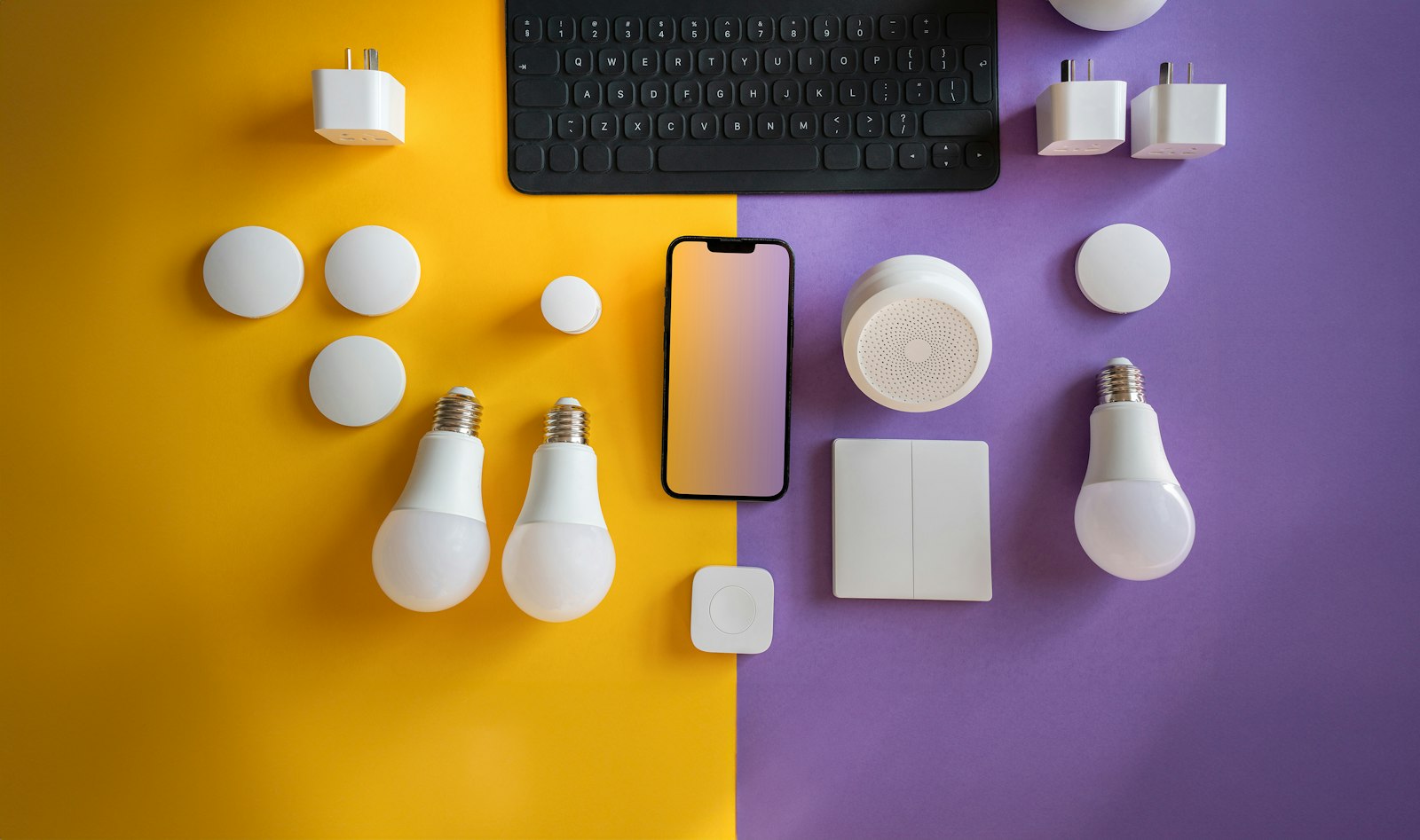
If you’re shopping for a new router, the practical checklist is simple: confirm the device is Wi-Fi CERTIFIED 7 rather than just labeled “ready” for it, check that your internet plan is fast enough to make the upgrade meaningful, and count how many of your actual devices, not just your router, support the new standard. A growing number of flagship phones on our current smartphone picks already ship with this newer wireless support built in, which is a reasonable signal that the standard has moved past early-adopter territory. It’s also worth checking your smart home devices individually, since many budget smart plugs and sensors are still built around older, slower Wi-Fi chips regardless of how fast your router is.
The Bottom Line
Wi-Fi 7 is a genuine technical upgrade, not a renamed version of Wi-Fi 6E, largely thanks to Multi-Link Operation and wider 6 GHz channels. But it’s also a standard built for households further ahead of the curve than most: multi-gig internet plans, dozens of connected devices, or emerging tech like eSIM-equipped phones and AR headsets that lean on fast, low-latency wireless. If that’s not your household yet, there’s no rush; a well-configured Wi-Fi 6E network will keep working fine for a while longer.
FAQs
Is Wi-Fi 7 backward compatible with older devices?
Yes. A Wi-Fi 7 router will still connect Wi-Fi 6, 6E, 5, and even older devices, just at those devices’ own maximum speeds. You don’t need to replace every device in your home to use one; older hardware simply won’t get the new standard’s benefits.
Do I need gigabit internet to benefit from Wi-Fi 7?
Not necessarily. Multi-Link Operation’s reliability and latency improvements help even on slower connections, since they reduce dropped frames and interference regardless of your plan’s top speed. The biggest raw speed gains, though, are most noticeable on faster multi-gigabit internet plans.
What’s the real difference between Wi-Fi 6E and Wi-Fi 7?
Wi-Fi 6E introduced the 6 GHz band itself. Wi-Fi 7 builds on that same band with wider 320 MHz channels, denser 4096-QAM modulation, and Multi-Link Operation, which lets a device use multiple bands at once instead of just one at a time.
Will Wi-Fi 7 routers work with my current internet plan?
Yes, a router built on this standard works with any internet plan; it doesn’t require a specific speed tier to function. Your actual browsing and streaming speed will still be capped by whatever your internet provider delivers, regardless of the router’s capability.
Is it worth buying a Wi-Fi 7 router today, or should I wait?
If your current router is aging and you’re replacing it anyway, buying Wi-Fi 7 future-proofs the purchase with little downside, since prices have come down from launch. If your current setup works fine and you’re not hitting its limits, there’s no pressing reason to upgrade early.











Discussion about this post