

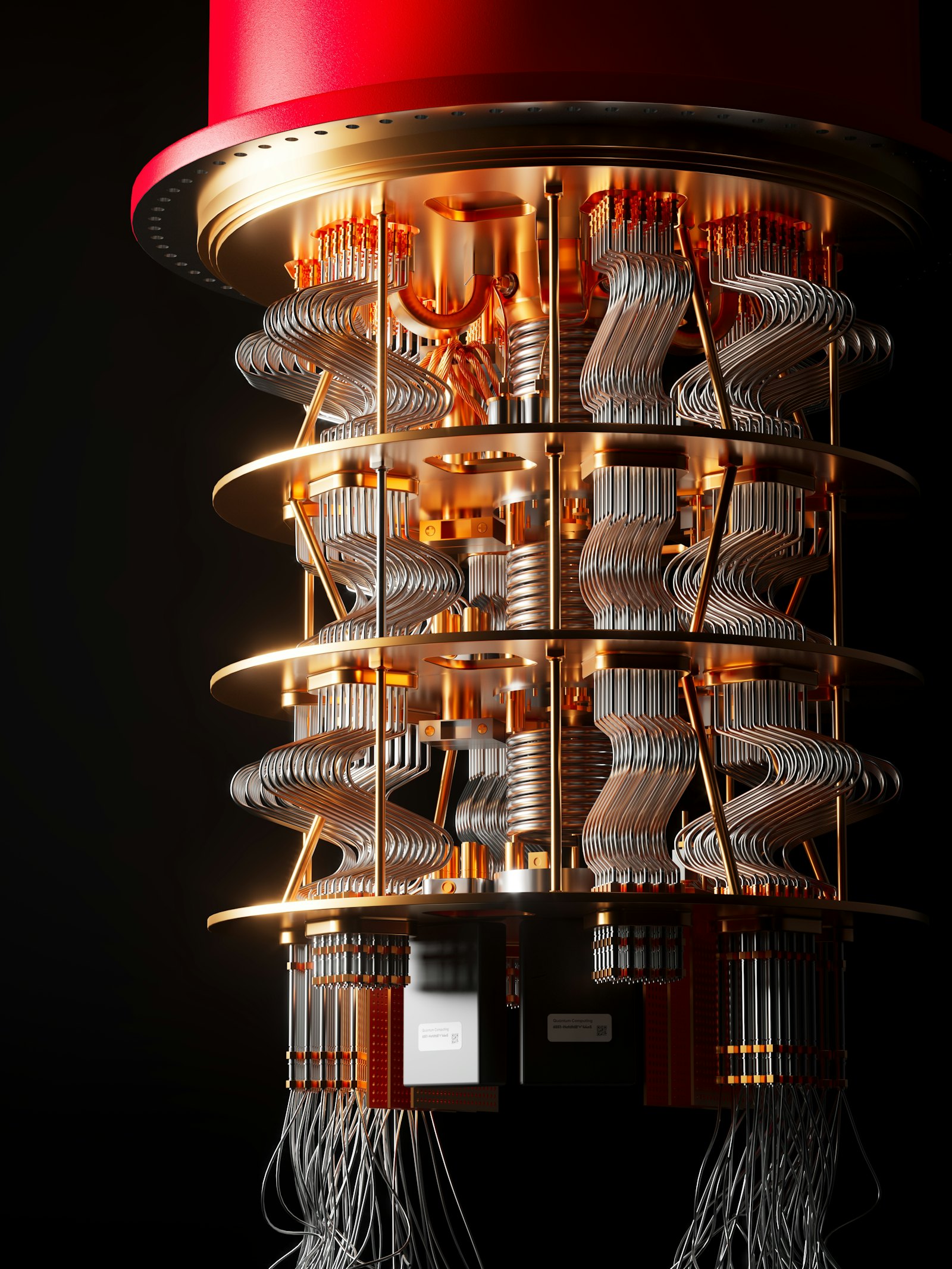
Quantum computers have a reputation for living in refrigerated labs behind several layers of security, which makes it easy to assume you could never touch one. You can. If you want to try quantum computing, you do not need a physics degree or a research grant; you need a free account, some basic Python, and a bit of patience. This guide covers the free route IBM offers, what the allowance really means, and how to get something running on your first day.
What “Using” a Quantum Computer Means
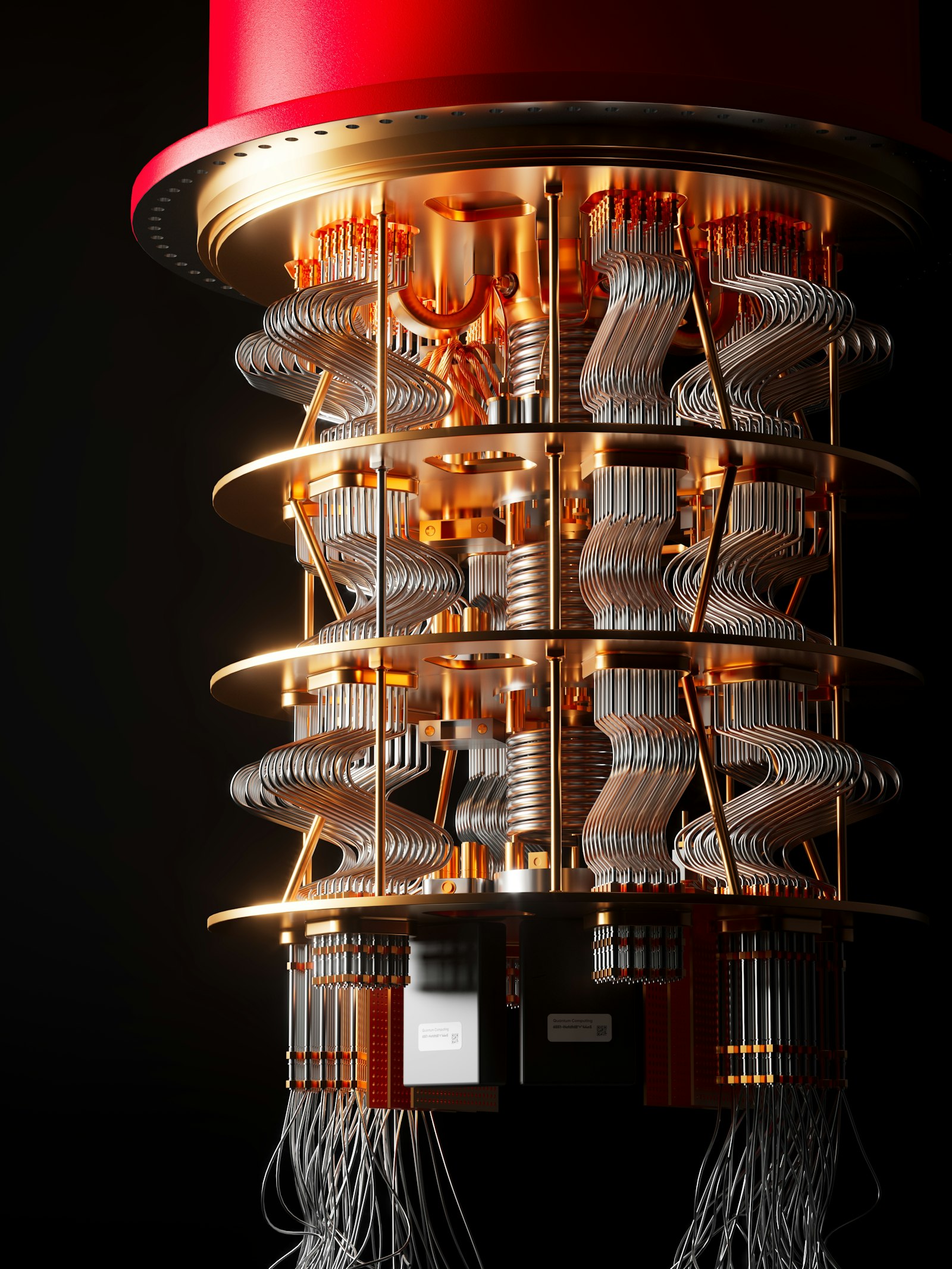
You will not be operating hardware. Instead, you write a small program, called a quantum circuit, on your own computer, then send it over the internet to a quantum processor (a QPU) that runs it and returns the results. The workflow resembles using any cloud service. If the underlying ideas are new to you, start with our plain-language quantum computing guide first, then come back here to practice.
The Free Option: IBM Quantum Open Plan
IBM’s documentation describes an Open Plan that lets you run circuits on real quantum hardware at no cost. According to IBM’s plans overview, it includes the equivalent of up to 10 minutes of QPU time per 28-day rolling window, and the plan is recommended for people who are learning quantum computing and exploring IBM’s technology. The page also notes that Open Plan instances can only be created in the us-east region.
Ten minutes sounds tiny, but QPU time counts only the time your circuits spend executing on the processor, not the time you spend writing code or waiting in a queue. IBM defines one resource unit as one minute of QPU compute time for standard workloads. Small learning experiments are meant to fit comfortably inside that budget, though larger or repeated runs will use it up faster.
IBM has also run promotions for active users. A March 2026 IBM announcement described a one-time offer of 180 minutes of runtime over 12 months for Open Plan users who had used 20 minutes in a 12-month period. Offers like this change, so check IBM’s pages for what is currently available.
Your First Day, Step by Step
A sensible first session looks like this. Create an IBM Quantum account and set up an Open Plan instance. Install Qiskit, IBM’s open-source Python toolkit, and follow a beginner tutorial from the documentation to build a simple circuit. Run it first on a simulator, which is software that imitates a quantum computer on your laptop and costs nothing, to confirm your code behaves as expected. Only then submit the same circuit to real hardware.
That last step is where it gets interesting, because the output from a real machine rarely matches the textbook answer exactly. You will see a spread of results instead of one clean outcome. Part of that is the probabilistic nature of quantum measurement, and part is noise: today’s devices make errors. Our explainer on quantum error correction covers why that is, and why fixing it is the field’s central engineering challenge.
Simulators Versus Real Hardware
Beginners often wonder why they should bother with real hardware when a simulator is free and unlimited. A simulator is ideal for learning and debugging, and for small circuits it will give you the idealized answer. Real hardware shows you what noise does to a result, which is part of understanding the field honestly. Using both, in that order, is the best way to learn. Different processors also work in different ways; our guide to the types of quantum computers explains the main designs.
Setting Realistic Expectations
A free account will not let you break encryption, solve a business problem, or beat a laptop at everyday tasks. What it gives you is hands-on familiarity: you will learn how circuits are built, what a measurement looks like, and why researchers talk so much about noise. For anyone considering a career in the area, that experience is a useful first step, and our piece on quantum computing careers maps out where to go next.
FAQs
Can anyone use a real quantum computer for free?
Yes, within limits. IBM’s Open Plan gives free access to real quantum hardware, with an allowance of up to the equivalent of 10 minutes of QPU time per 28-day rolling window, according to IBM’s documentation.
Do I need to know physics to get started?
Not to begin. Basic Python is enough to follow beginner tutorials, and the physics can come gradually as you see what your circuits do. A conceptual overview helps, but it is not a prerequisite.
What is Qiskit?
Qiskit is IBM’s open-source Python toolkit for building and running quantum circuits. You write circuits with it on your own computer and can send them to simulators or to IBM’s quantum hardware.
Why are the results from real hardware messy?
Quantum measurement is probabilistic, so you get a distribution of outcomes rather than one answer. Current devices also introduce errors, which is why results from real machines differ from ideal simulations.
What happens when my free time runs out?
Per IBM’s plans overview, the Open Plan allowance is measured over a 28-day rolling window, so you can run more as time passes. You can keep practicing on simulators in the meantime, since they do not use QPU time.






Discussion about this post